Employee’s Restrictions
.
Pages.
Main Page –> Company Info –> Employees
Employee’s Roles & Restrictions.
Role Assignments
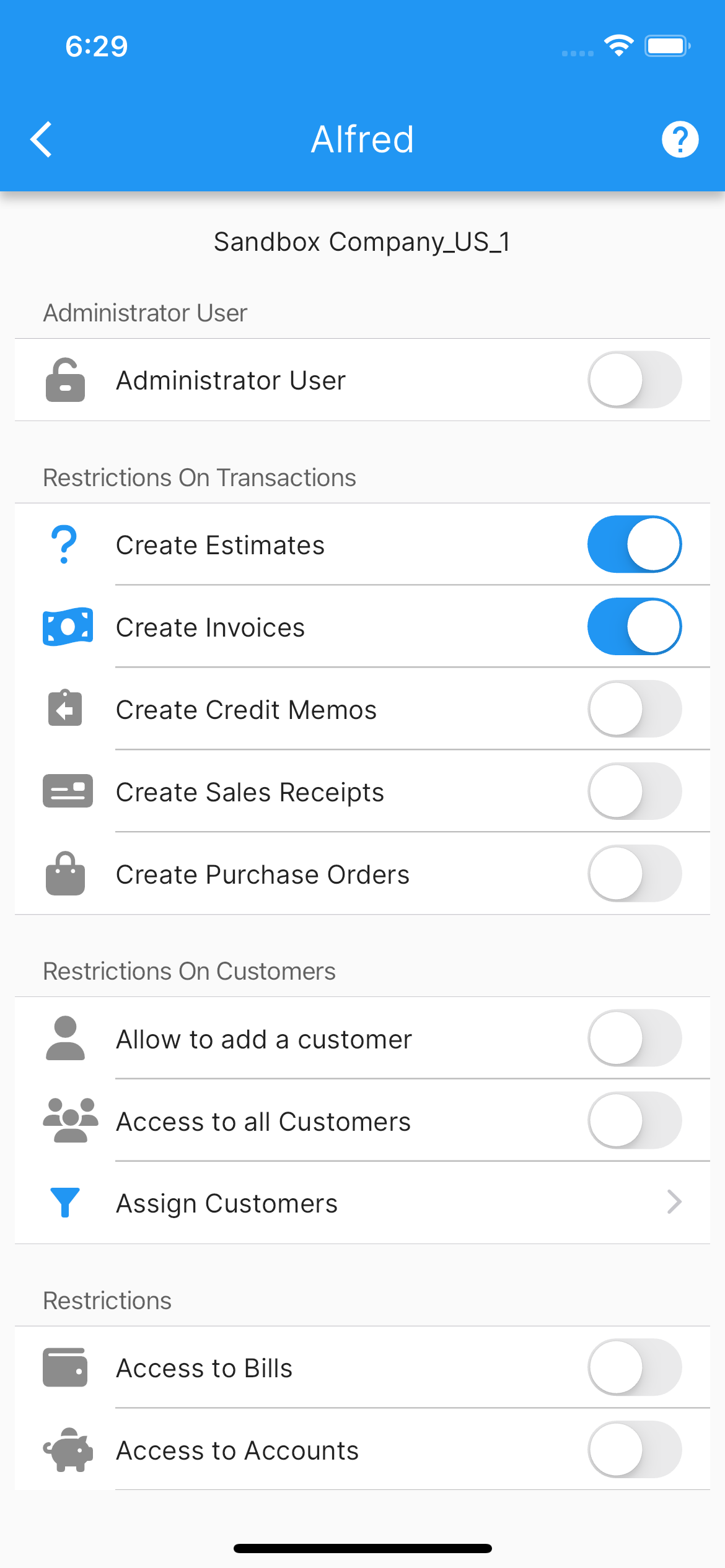
Each employee can be assigned one of the following roles:
Admin: Full administrative privileges. Grants complete, unrestricted access across all transactions, customers, reports, company configurations, and employee management (bypasses restriction toggles).
Supervisor: Elevated role for management and oversight with access to supervisory workflows.
Employee: Standard user subject to customizable, granular restrictions configured below.
Granular Restrictions (Non-Admin Roles)
When an employee is assigned a non-admin role, you can fine-tune access across specific functional areas:
Restrictions on Transactions
Enable/Disable create invoices.
Enable/Disable create estimates.
Enable/Disable create credit memos.
Enable/Disable create sales receipts.
Enable/Disable create purchase orders.
Restrictions on Customers
Enable/Disable add a customer.
-
Enable/Disable access to all customers.
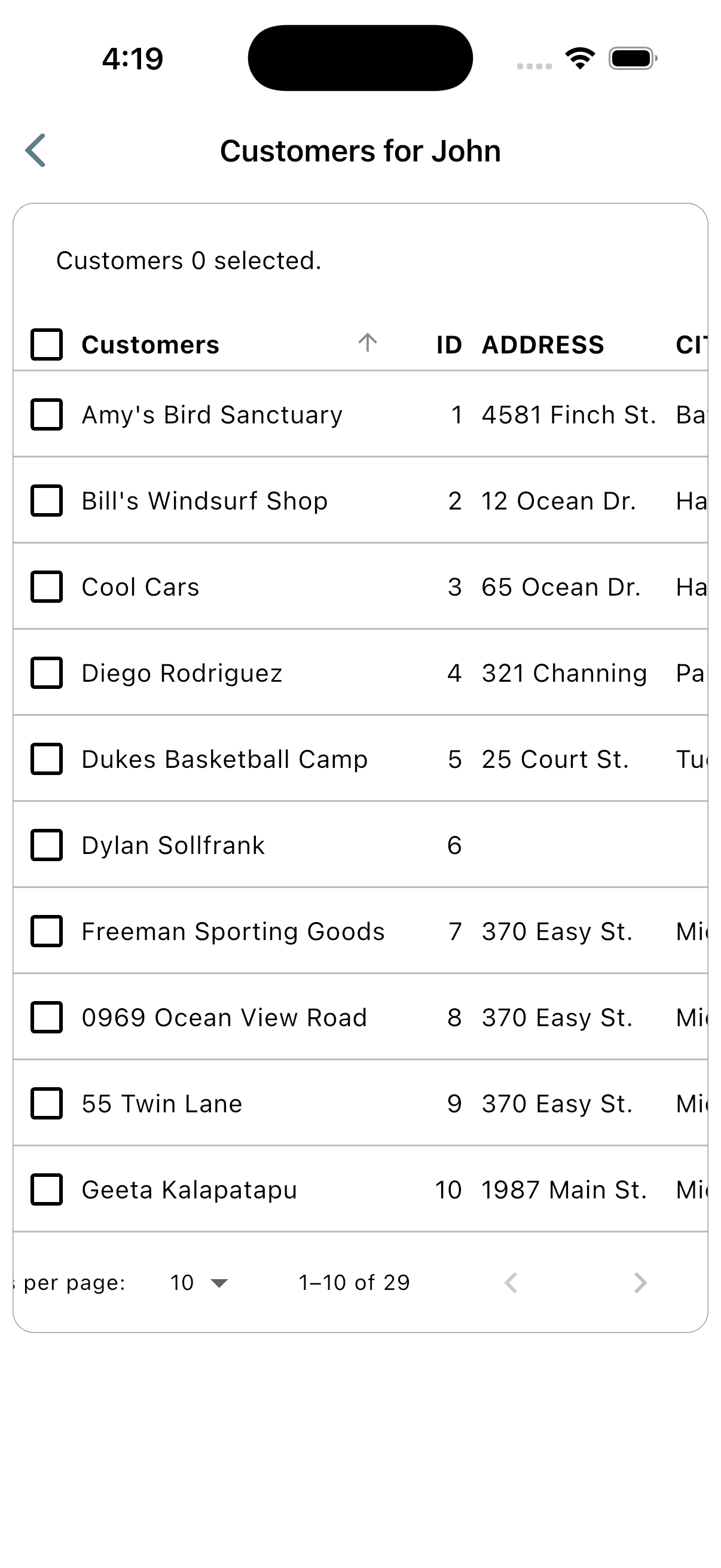
If Disabled, you can select and filter specific customers the employee can access via Assign Customers.
General & Accounting Restrictions
Enable/Disable access to bills.
Enable/Disable access to accounts.
Enable/Disable access to time activities.
Enable/Disable access to payments.
Enable/Disable access to deposits.
Enable/Disable change price on items.
Enable/Disable access to reports.
Enable/Disable access to vendors.
Enable/Disable add a vendor.
Enable/Disable add a tax code.
More screenshots.
Employee’s Restrictions Employee’s List Of Customers