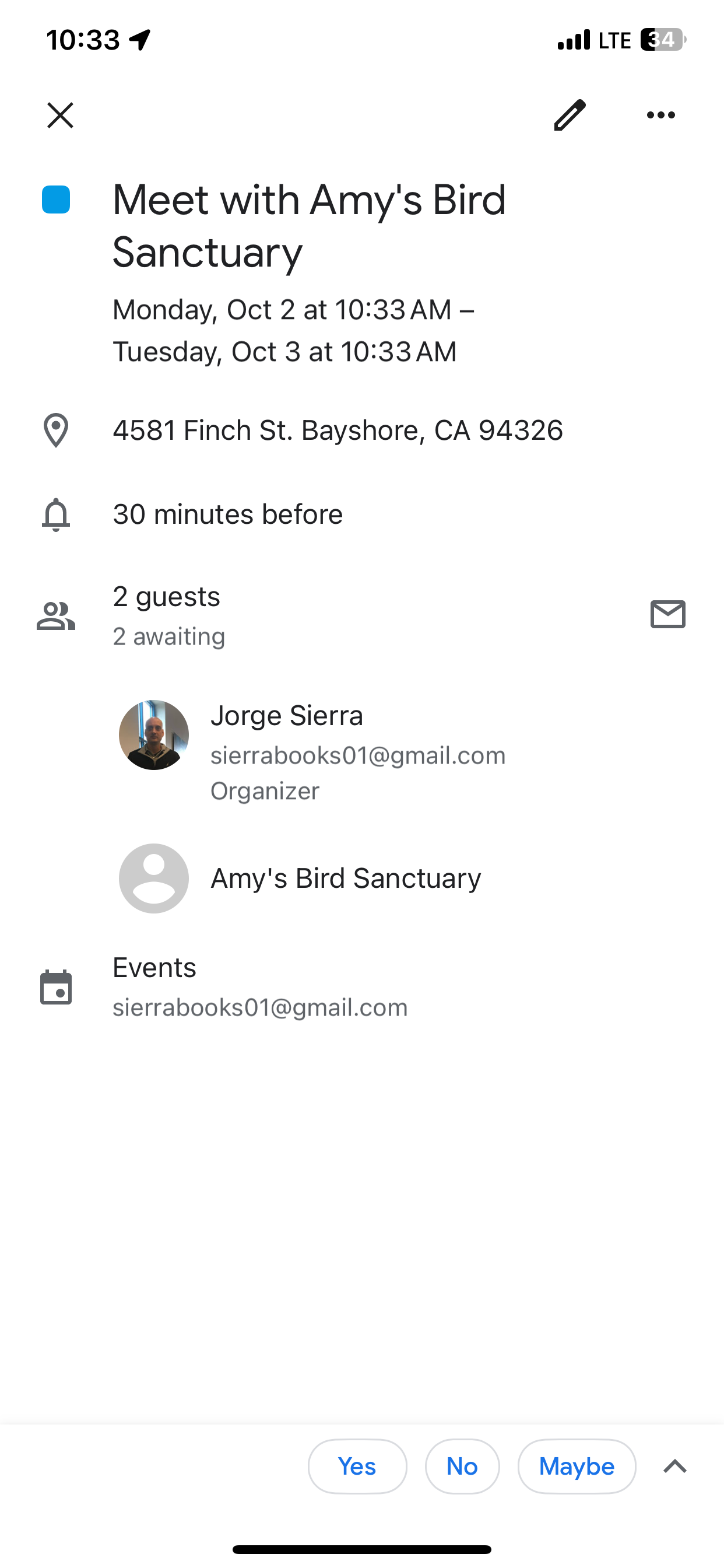
Create Google Calendar Event


.
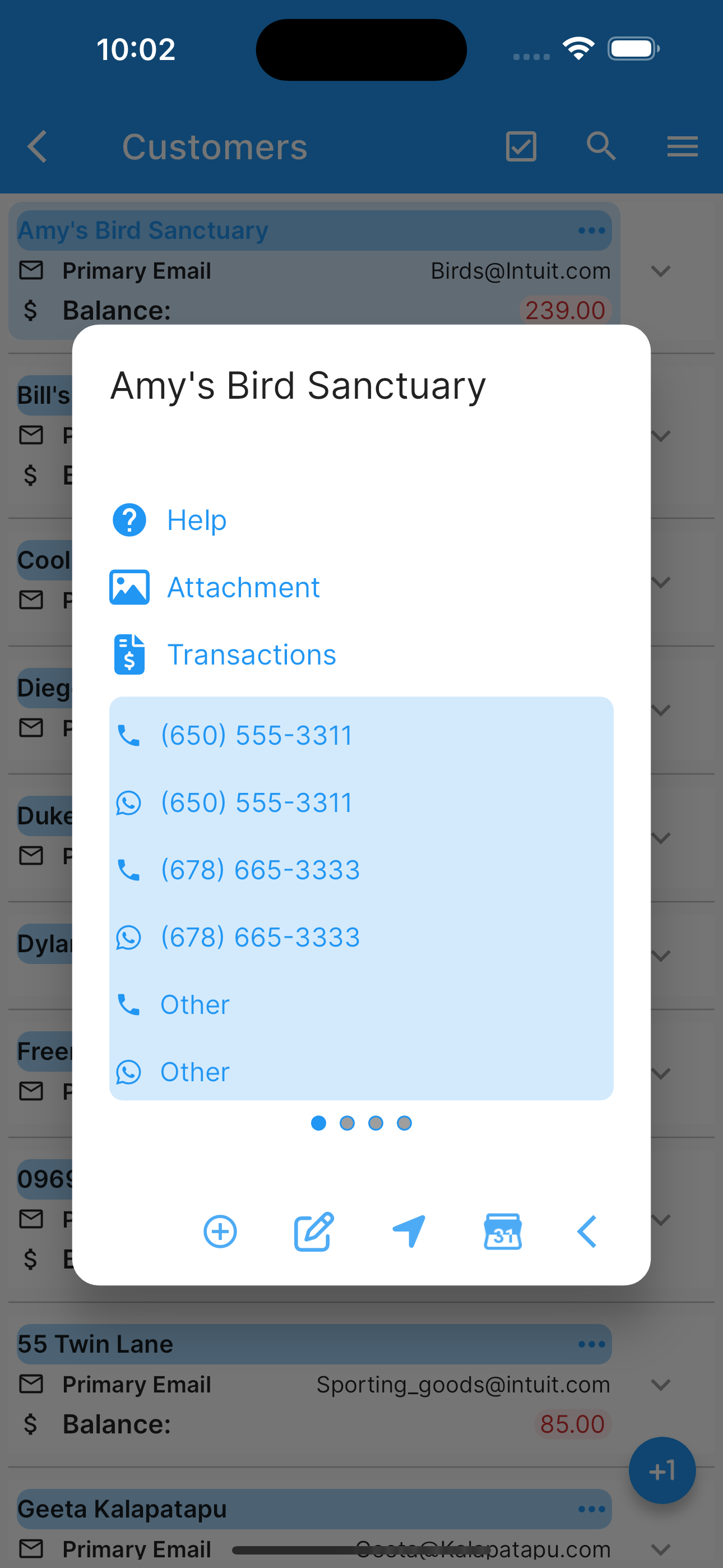
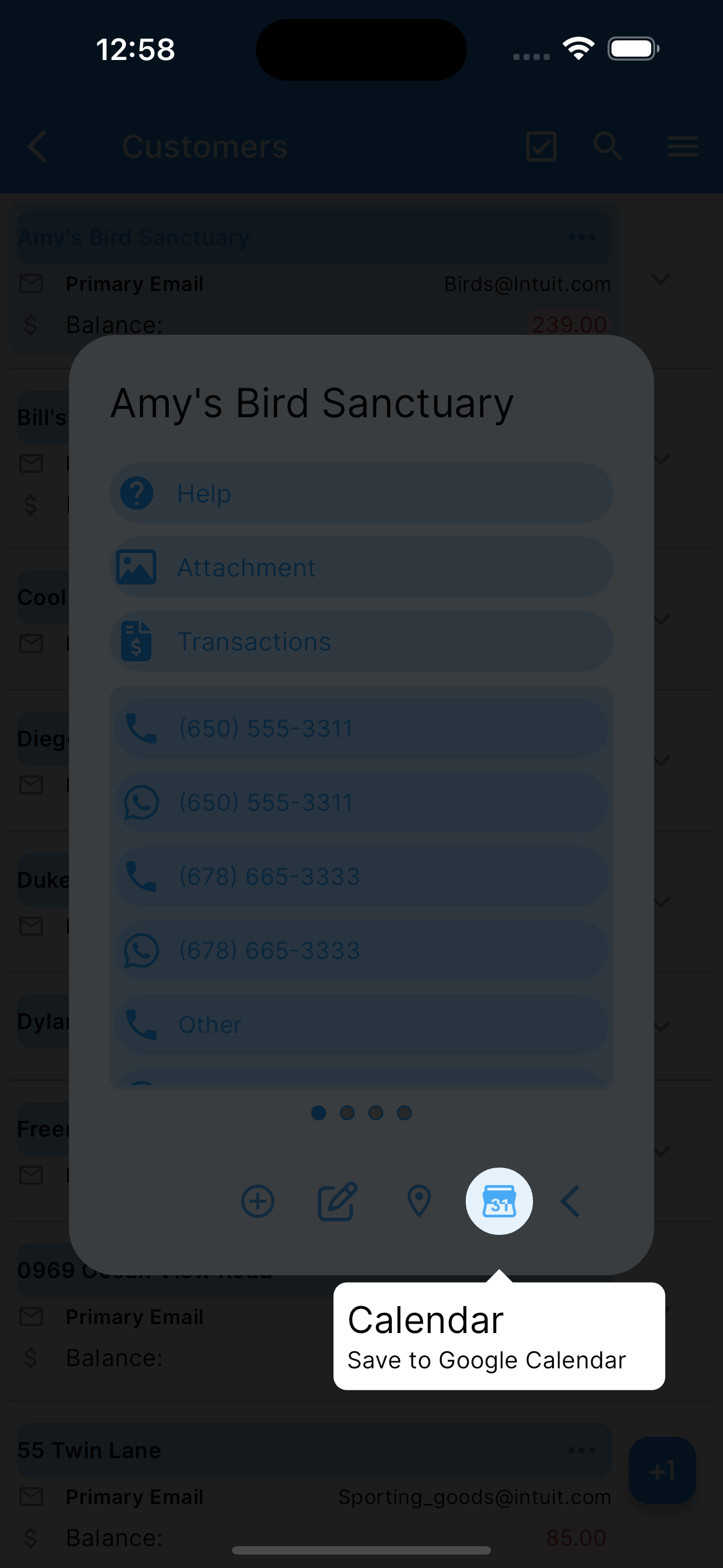
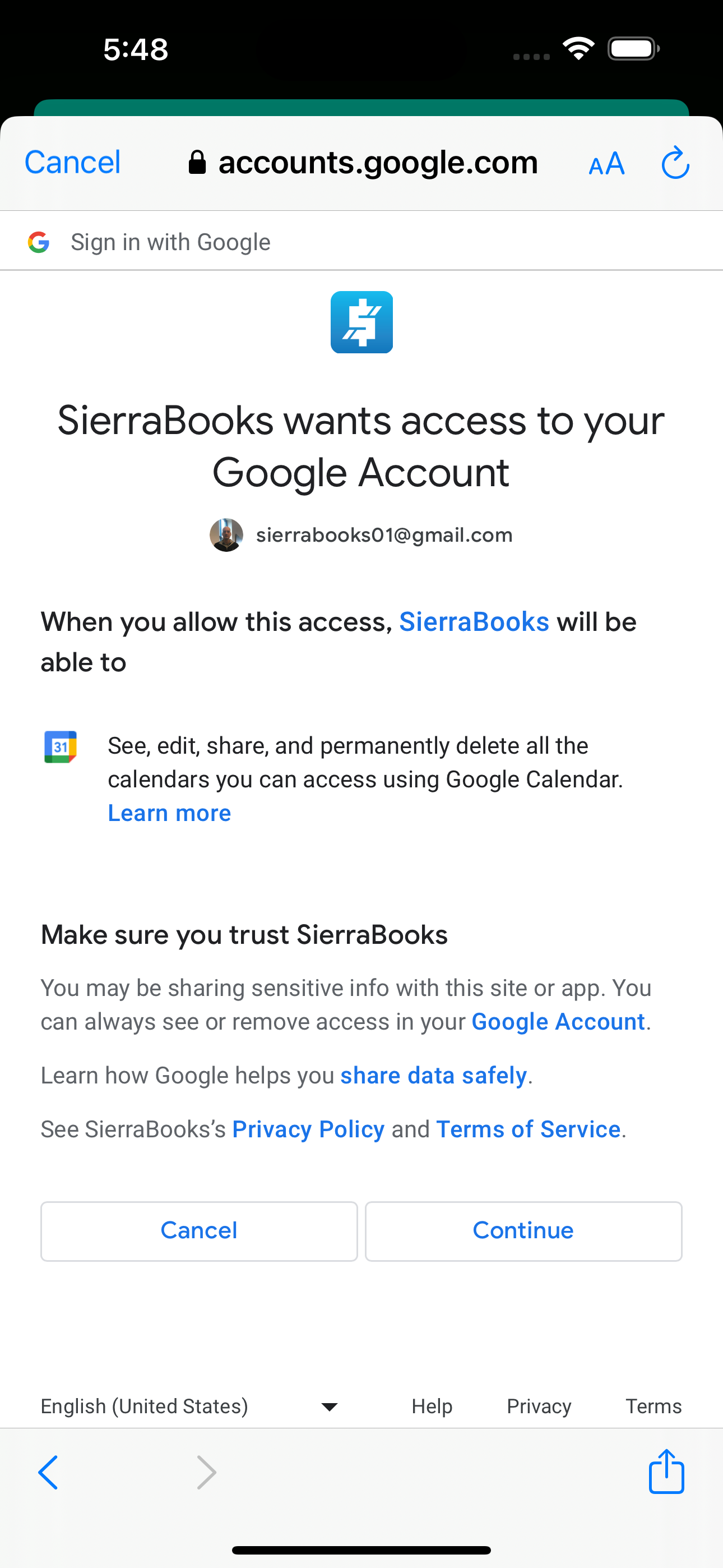
Under customers list, select a customer (by double tapping). A modal dialog will show, click the calander icon Save To Google Calendar. Now you can proceed to set a Calendar’s Event from the information on this customer. Next, click the save icon. The app will ask permision to insert the Event in your Google Calendar.
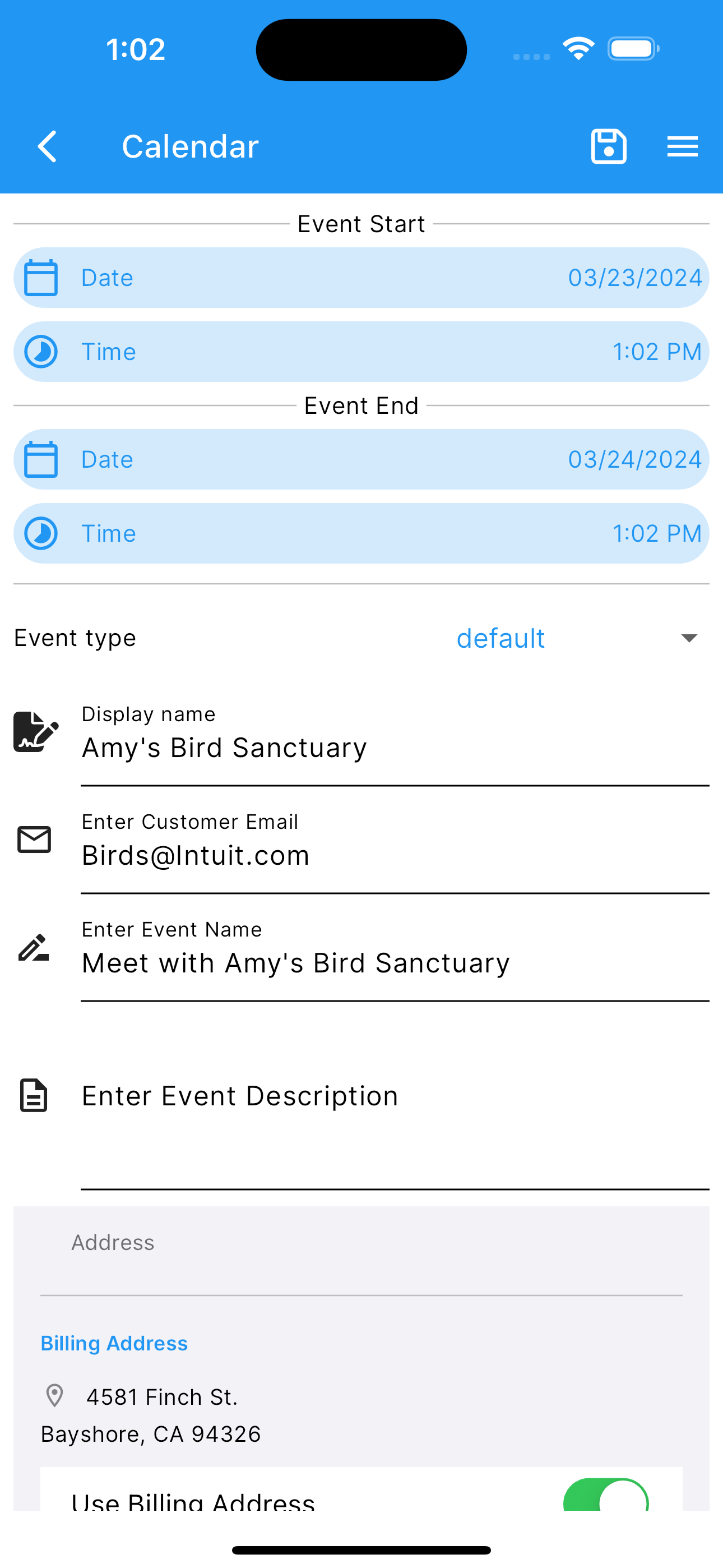
Edit the Event fields.
Edit Start Date Time
Edit End Date Time
Edit Event Type
Edit Customer Email
Edit Event Name
Edit Event Description
Select Event Address, or No Address at all.
Conversational AI Assistant Scheduling
You can also schedule meetings and consultations hands-free using the built-in AI Assistant: - Tell the assistant naturally: “Schedule a meeting with Acme Corp on Friday at 2 PM” or “Agenda una cita de servicio para el cliente John mañana a las 10 AM”. - The AI interprets relative dates/times, presents the interactive CustomerDisplay card, and prepares the Google Calendar scheduling action directly.
More screenshots.
Customer Selected Save To Google Calendar Edit Calendar Event Request Access To User Calendar Calendar Event Inserted