Preferences
.
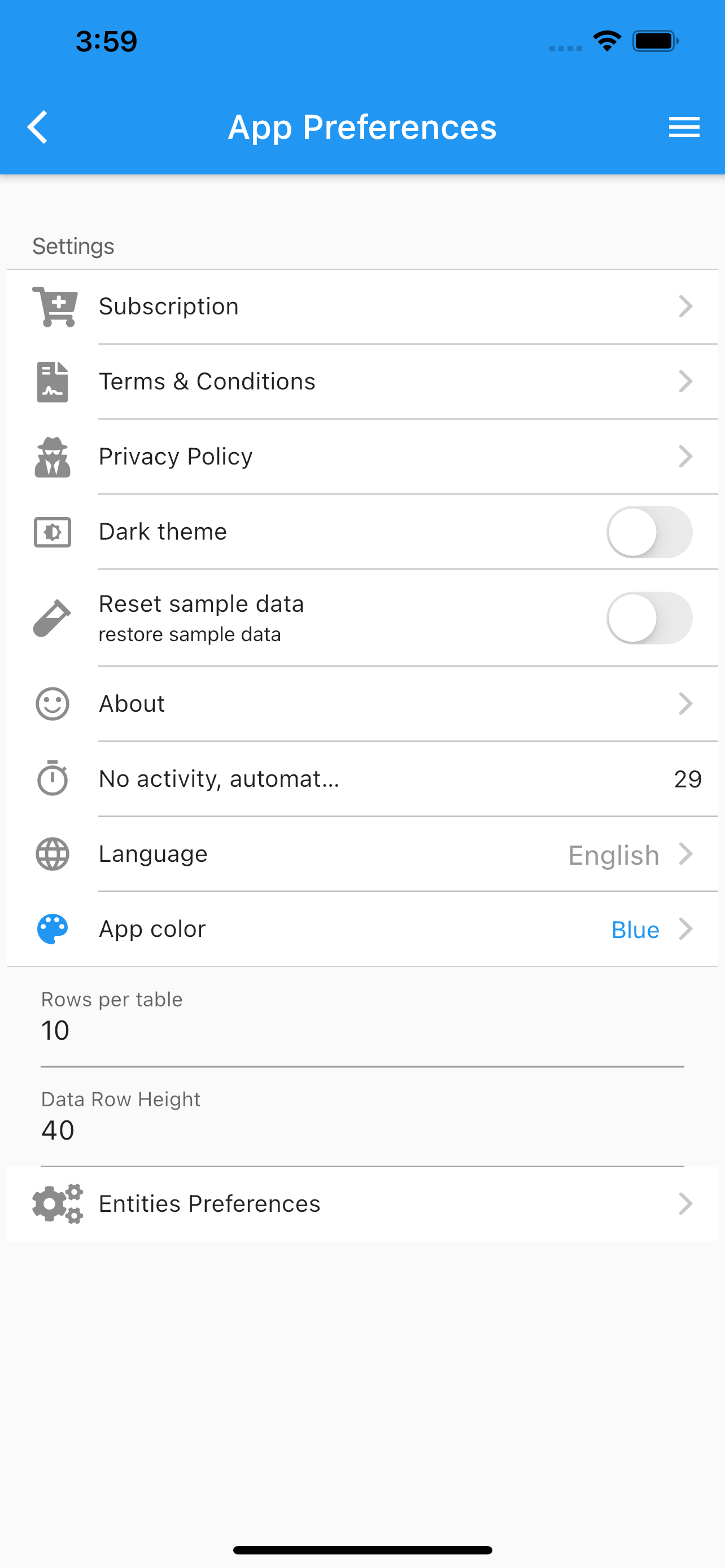
Set the app preferences:
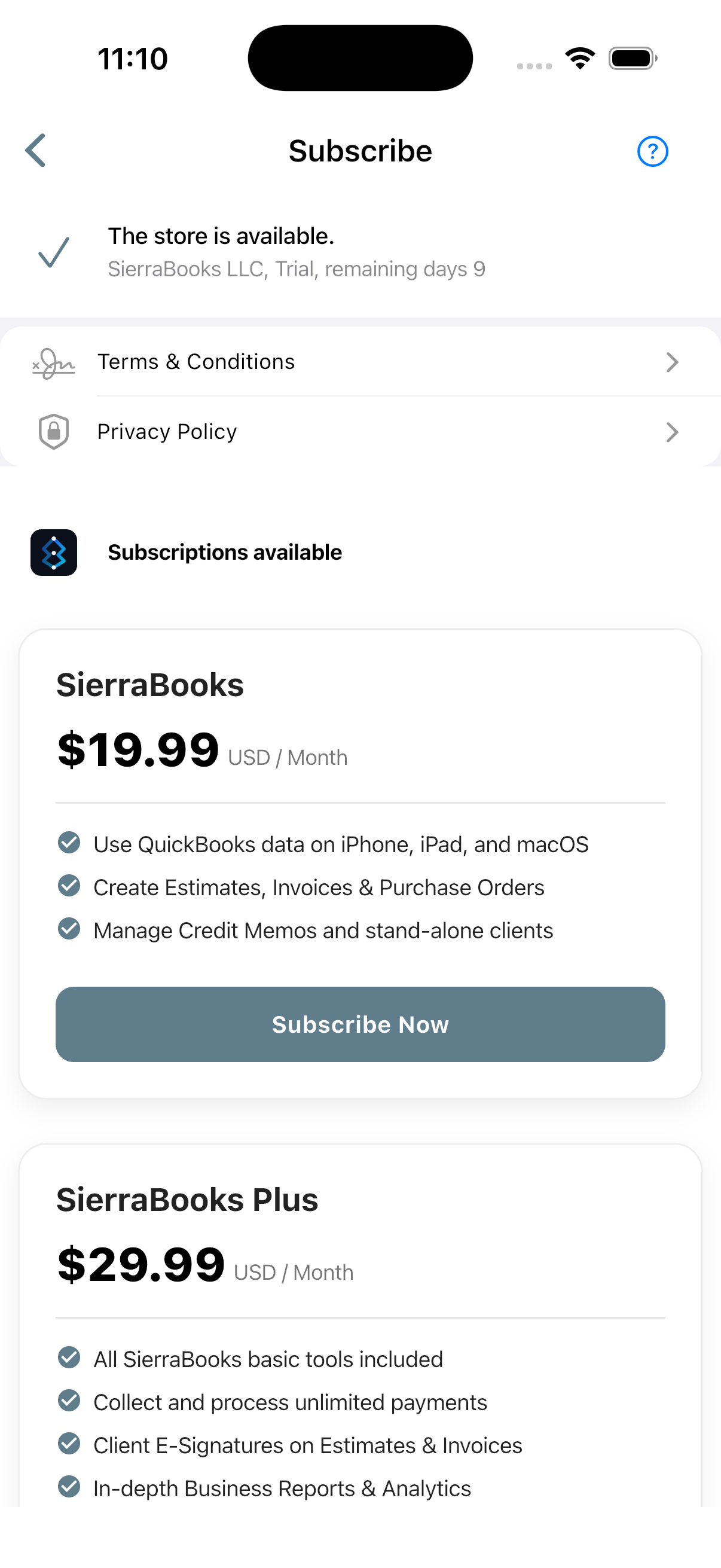
App subscription. Obtain App Subscription
Terms & Conditions.
Privacy Policy.
Payment Settings. Payment Settings
QuickBooks Online Payment
Setup Stripe Bussiness Account Stripe Account Onboarding
Setup Square Business Account Square Account Onboarding
Setup Paypal Bussiness Account PayPal Account Onboarding
Revoke QuickBooks authorization Revoke QuickBooks Online authorization
Acquire QuickBooks authorization Acquire QuickBooks Online authorization
Change company logo.
- Calendly Scheduling & Booking Link. Calendly Scheduling Integration
Configure your personalized Calendly booking URL so clients can book appointments directly.
Automatically renders interactive QR codes on generated PDF Invoices and Estimates.
Optional company-wide OAuth synchronization for team availability.
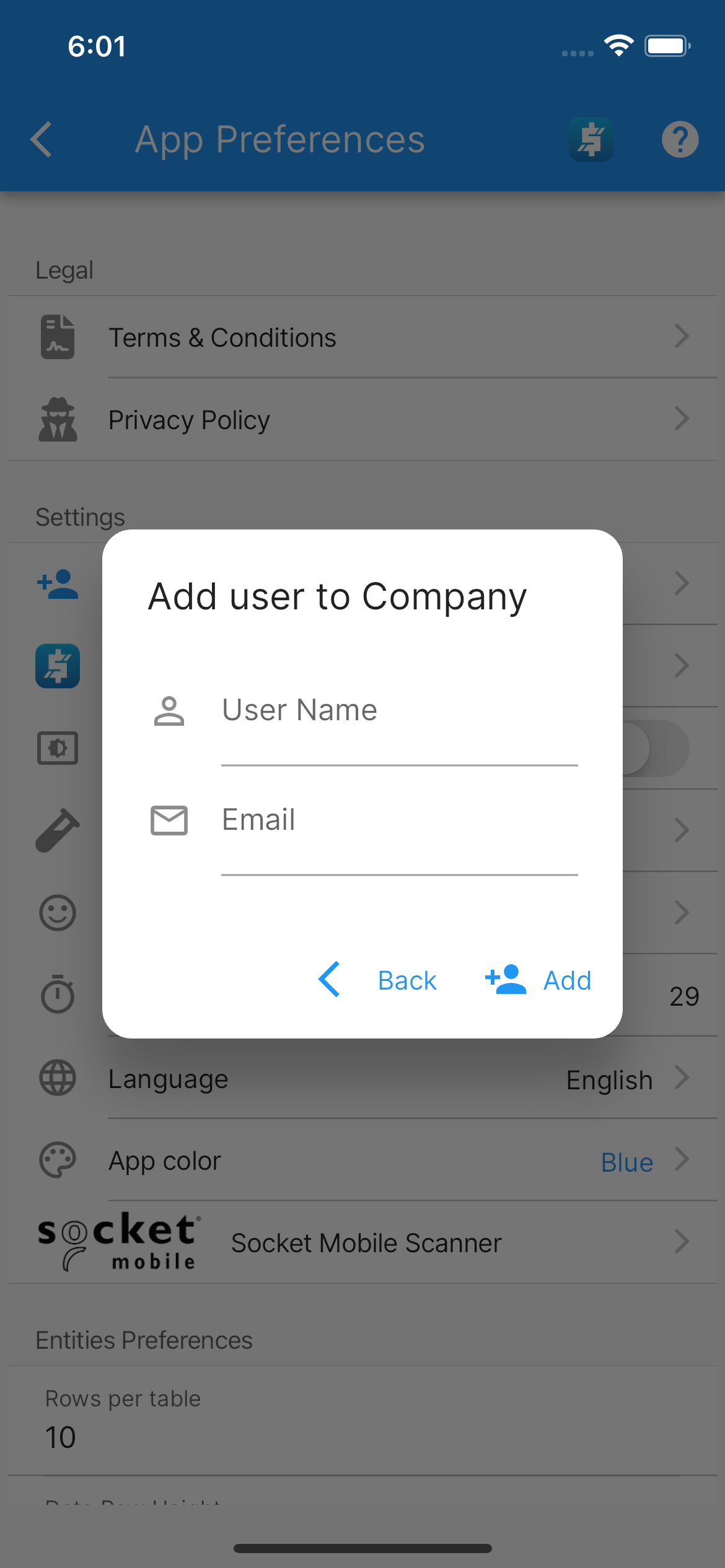
Add user to Company.
Dark mode.
Reset sample data to original state.
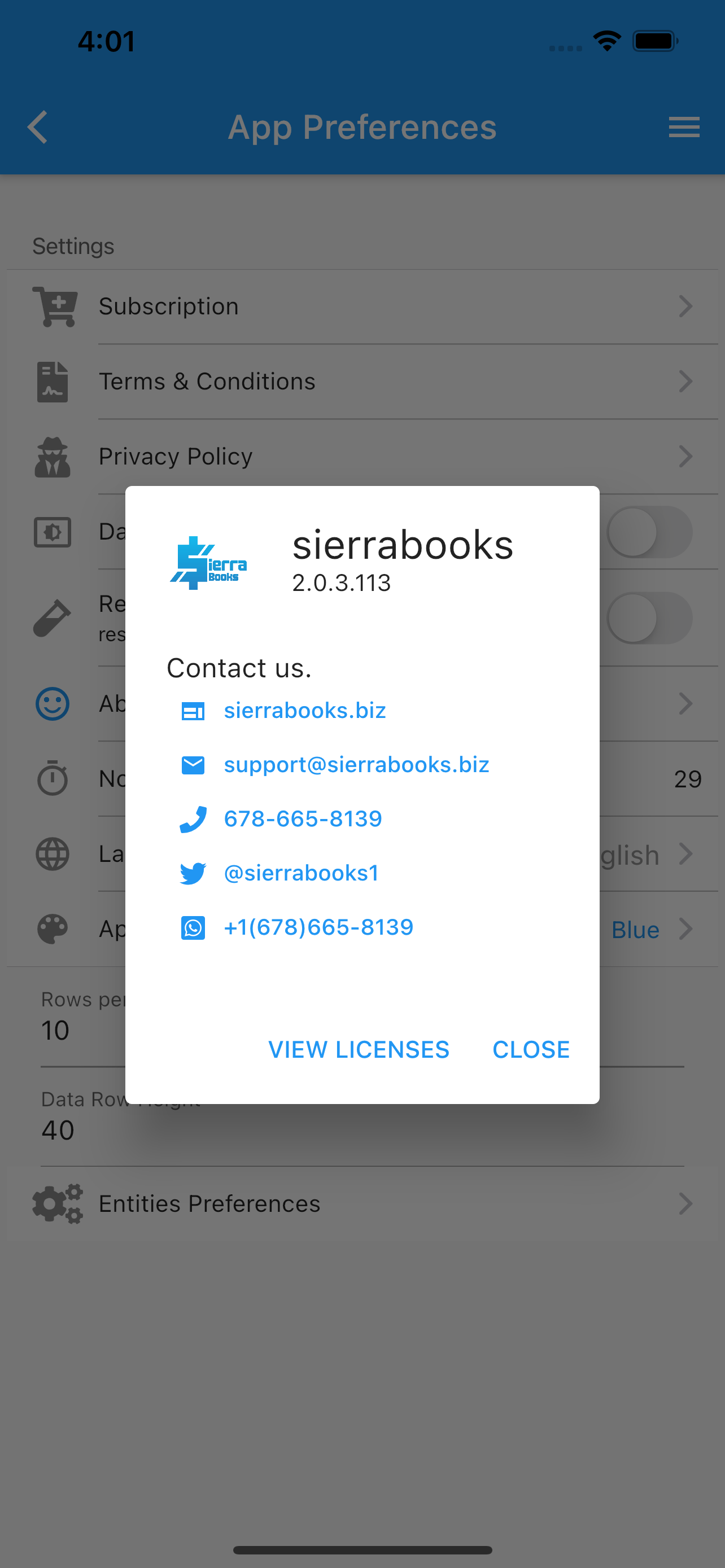
About the app.
Change language.
English
Spanish
Portuguese
French
Change the color. App color
Blue
Teal
Orange
Purple
Information about connected socket mobile scanner. Socket Mobile

SocketScan 700 series. SocketScan 700
How to pair a bluetooth scanner. Bluetooth pairing faqs
Socket Mobile App Companion. App Companion
Entities Preferences, set the preferences for each individual entity (Customers, Vendors, Items, Estimates, Invoices, Sales Receipt, Credit Memos). Entities Preferences
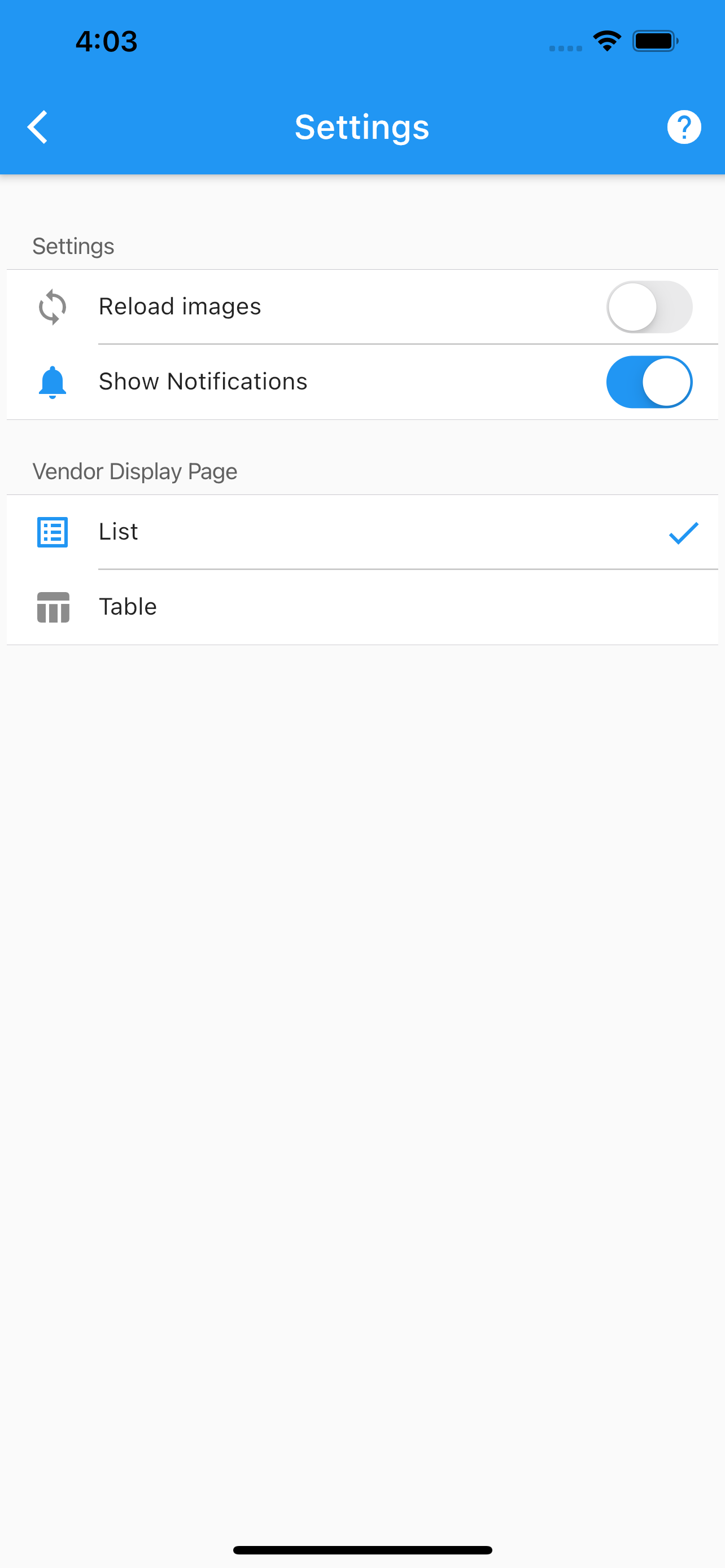
Under each entity’s settings you can force to reload images from the cloud.
Enable/Disable entity’s notifications.
Other settings specific to each entity.
More screenshots.
App Preferences About Vendor’s Settings Subscription Add user To Company