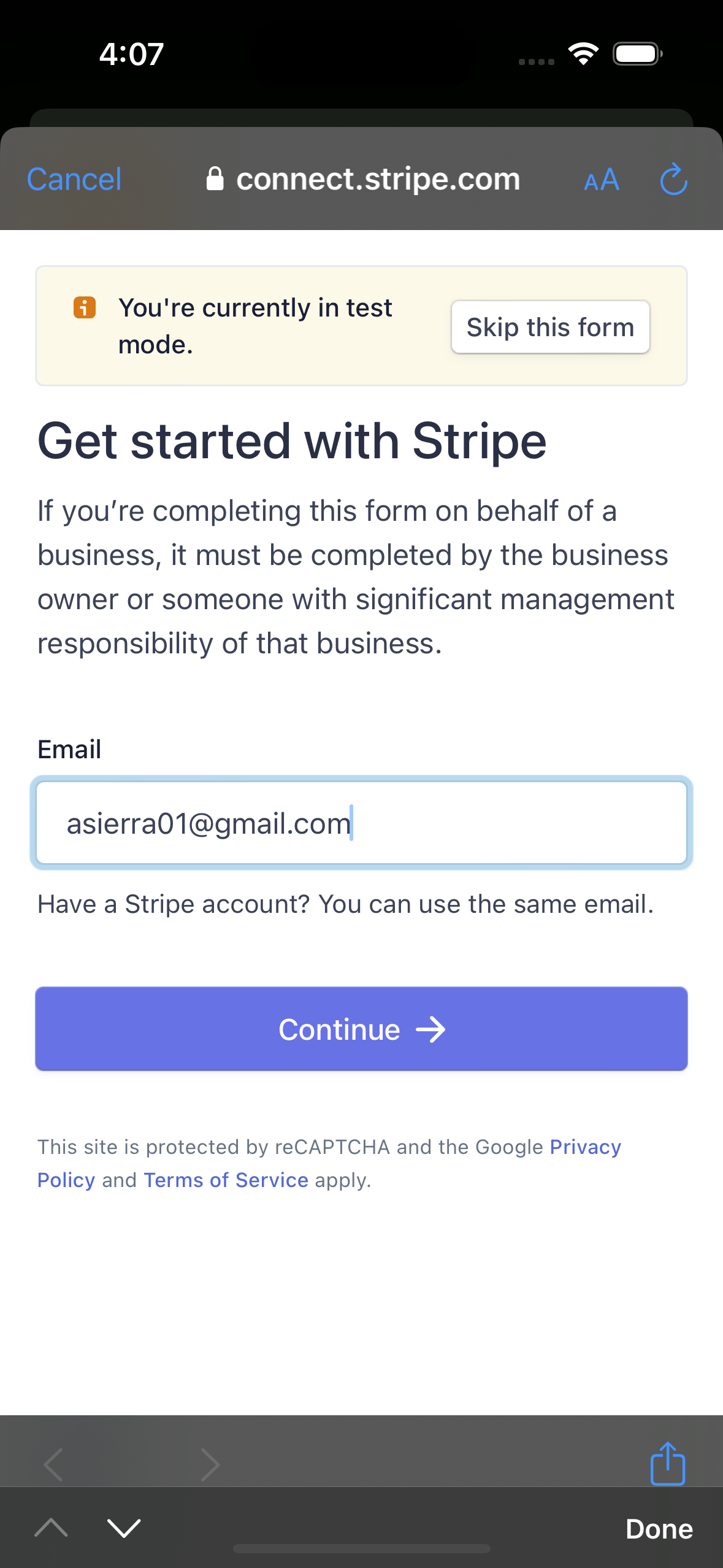
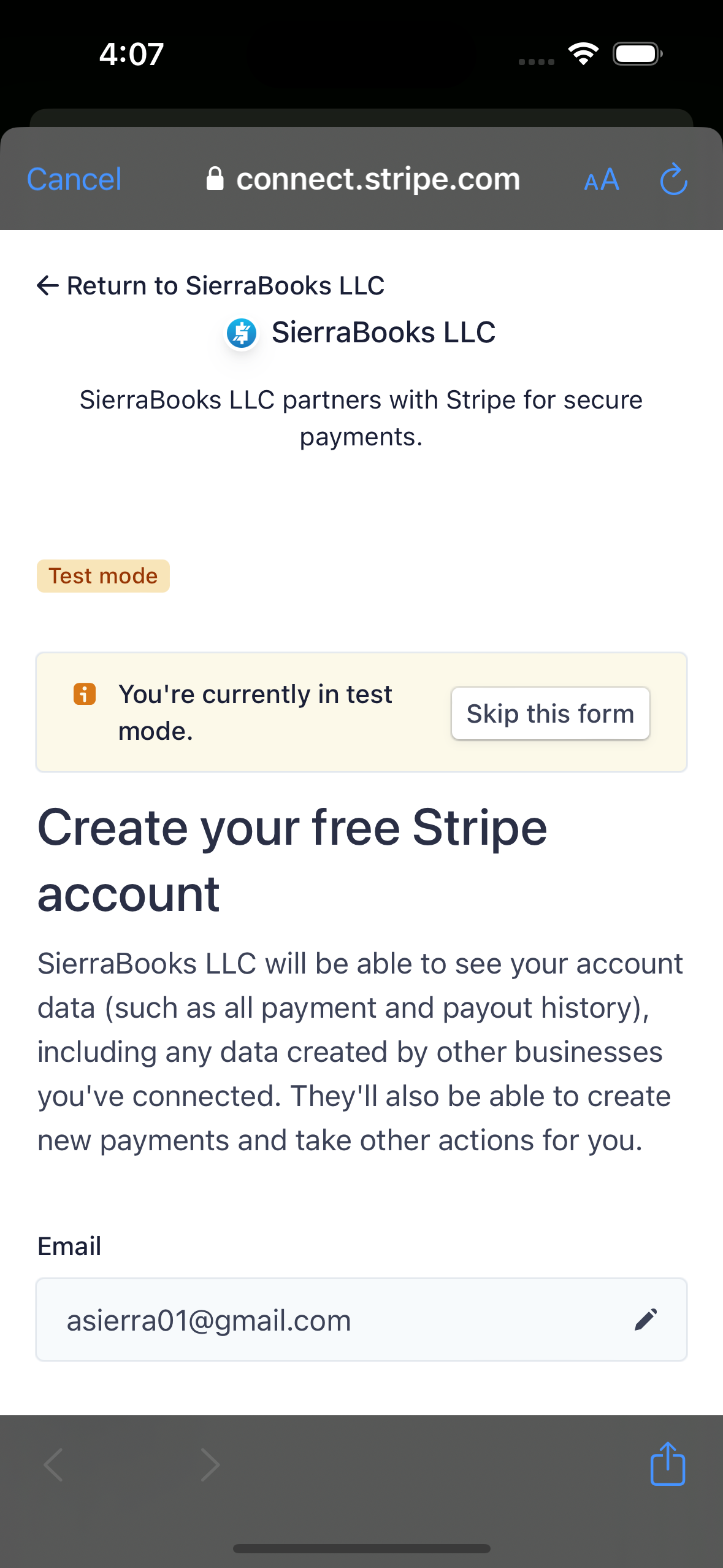
Stripe Account Onboarding
.
-
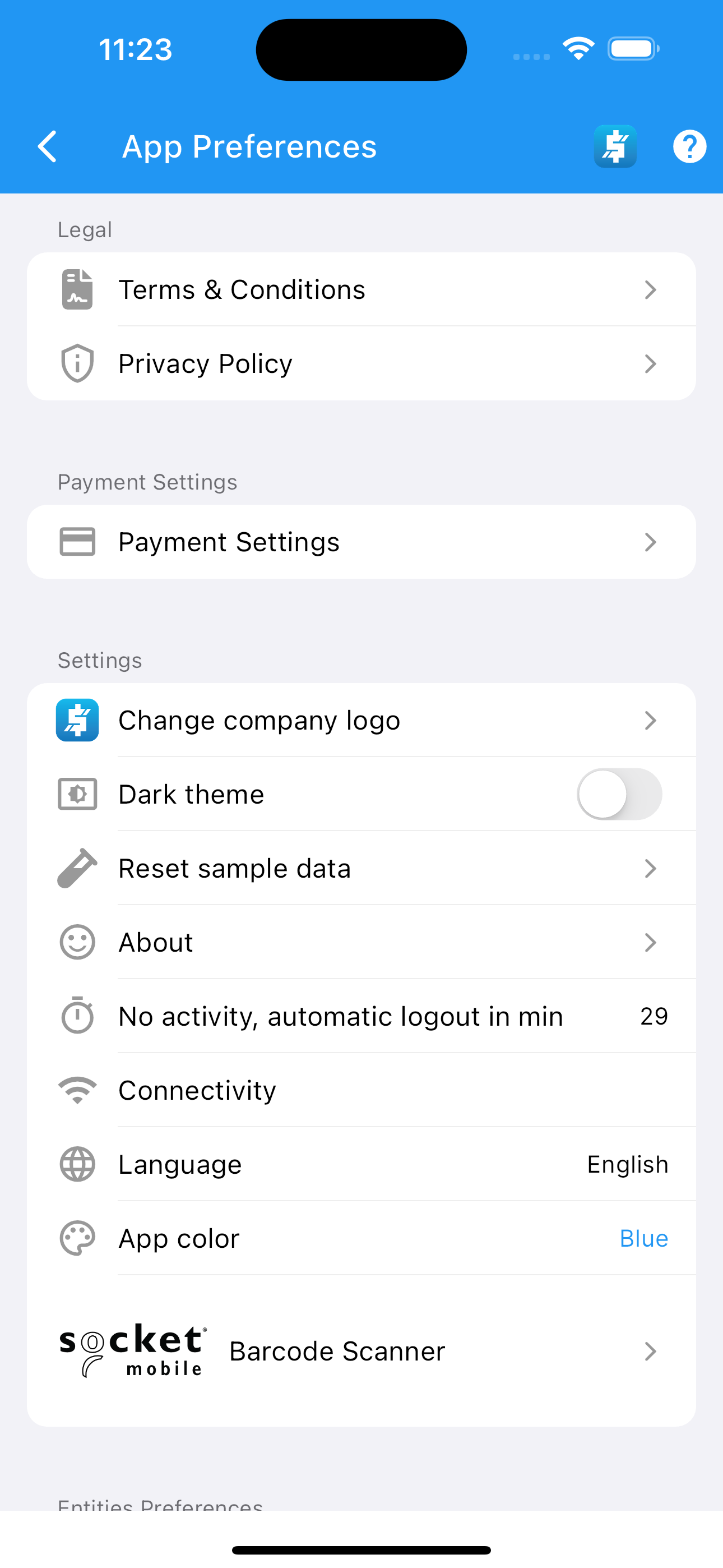
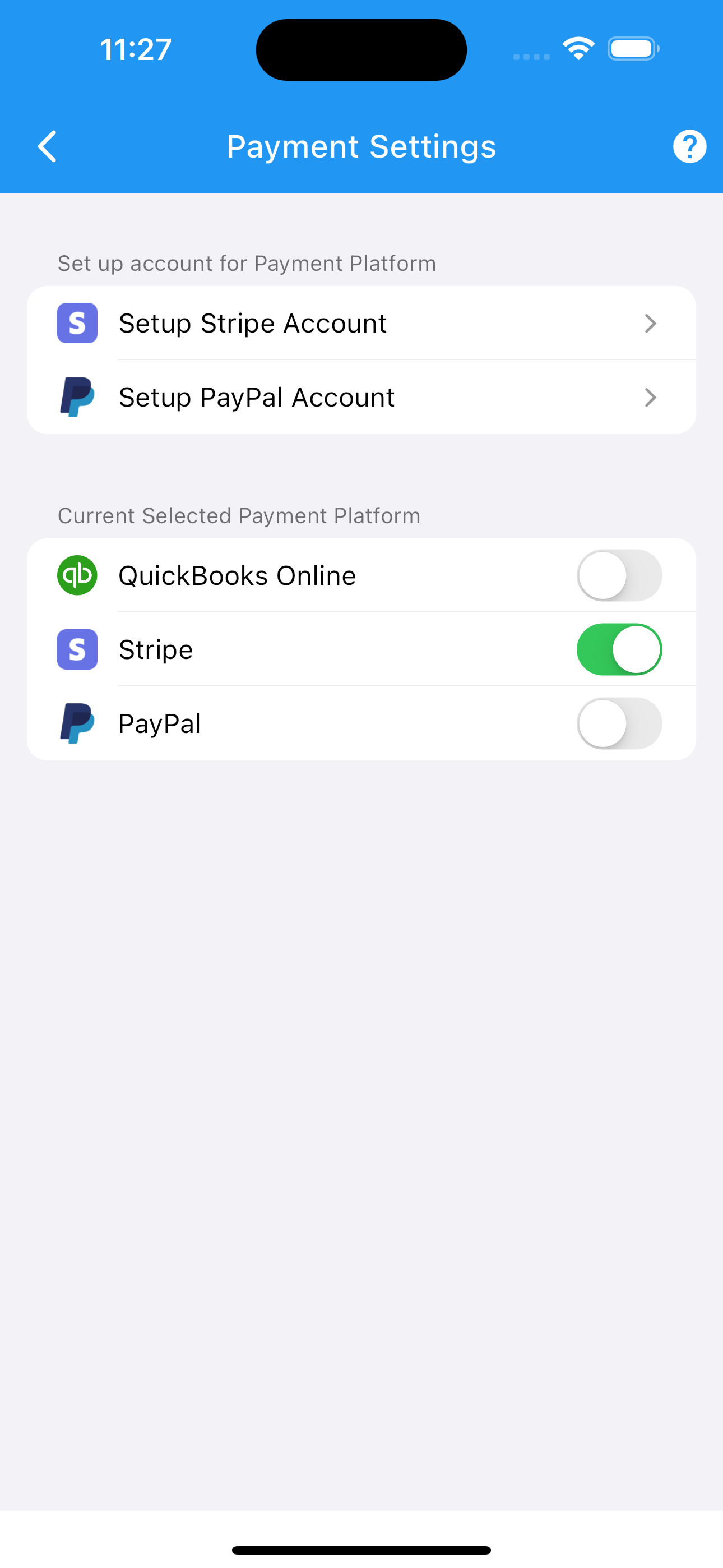
Under App Preferences click Payment Settings
Setup Stripe Business Account.
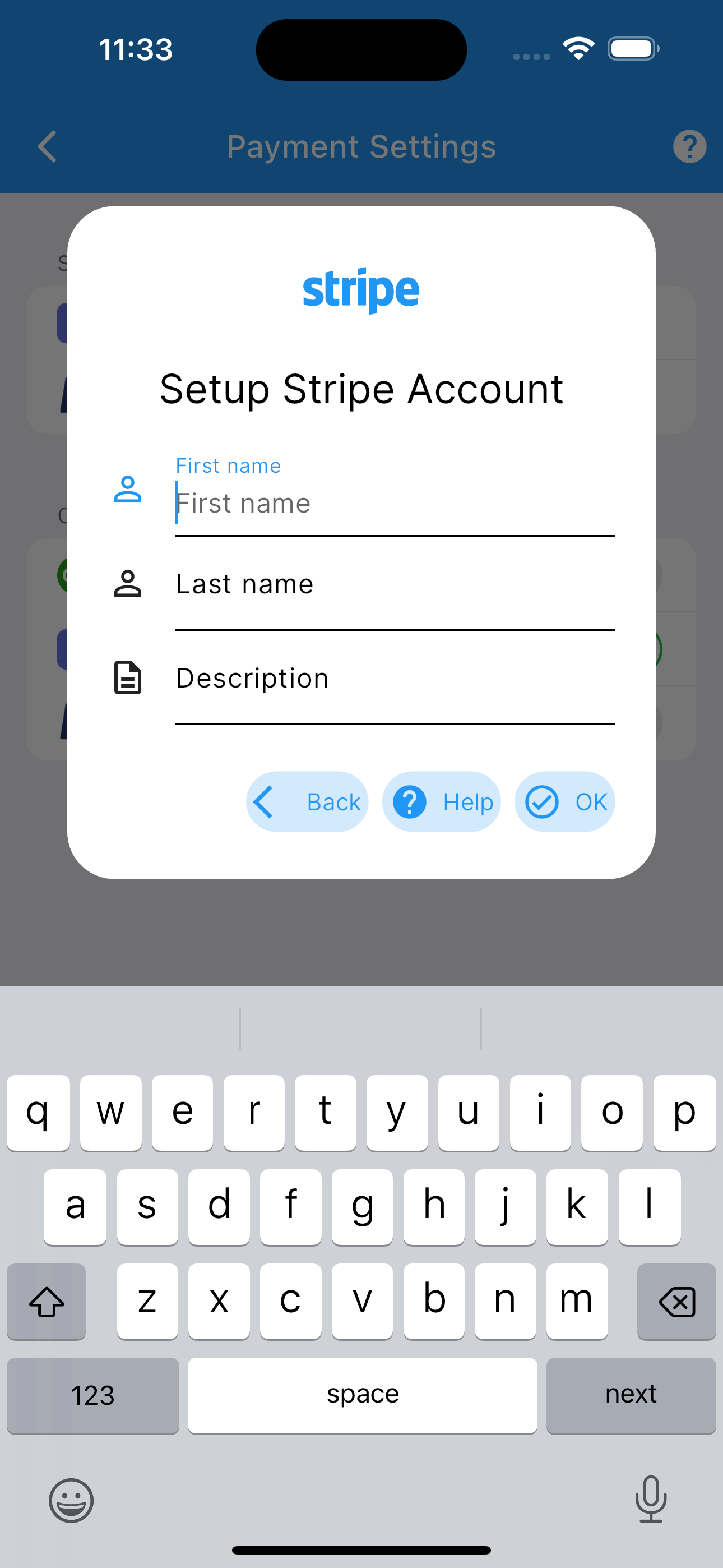
Type your first name and last name.
-
Type Company Description.
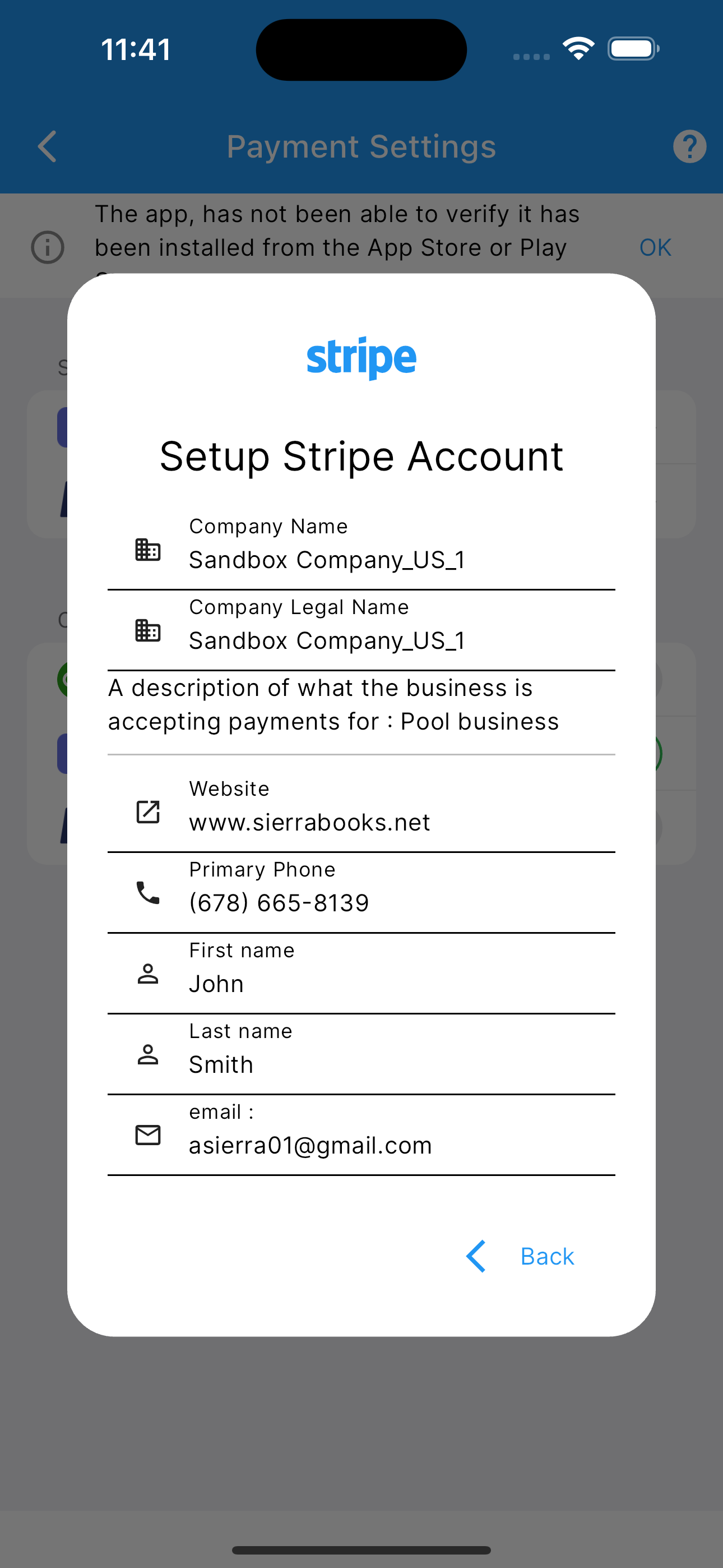
A description of what the business is accepting payments for.
Click Ok.
—
Automated Bulk Import into SierraBooks
Connecting your Stripe business account unlocks SierraBooks’ automated Bulk Import Engine. You don’t have to manually re-enter customers or catalog items—SierraBooks securely imports your historical data directly into your local offline-first ledger and cloud database.
What Gets Imported
Customers & Billing Profiles - Customer names, company details, email addresses, and phone numbers. - Default billing and shipping addresses. - Currency preferences and Stripe Customer IDs.
Products & Price Catalog - Active Stripe Products with description and pricing data. - Automatic classification into SierraBooks item types (Service vs. NonInventory). - Sales tax eligibility and default pricing amounts.
Invoices & Line Items - Historical and outstanding Stripe Invoices (draft, open, and paid). - Line items with quantities, unit prices, discounts, and applied tax rates. - Hosted invoice links and customer payment statuses.
Payments & Charges - Completed credit card charges, transaction timestamps, and payment statuses. - Stripe Charge receipts and payment breakdown.
How the Bulk Import Works
Background Execution: The import runs as an asynchronous background cloud worker without freezing your mobile or desktop app. You can continue creating invoices or managing clients immediately.
Live Progress Tracking: Real-time sync counters report current progress directly to your app, allowing you to monitor the import status.
Duplicate Prevention (Idempotent): Every imported object is tagged with its unique Stripe identifier (Stripe_{id}). If you re-sync or reconnect, existing records are updated seamlessly rather than duplicated.
Instant Offline Availability: Once imported into the database, records sync locally to your mobile device or Mac so you can work completely offline with full search and autofill.
More screenshots.
Preferences Stripe Requirements Stripe Account Onboarding