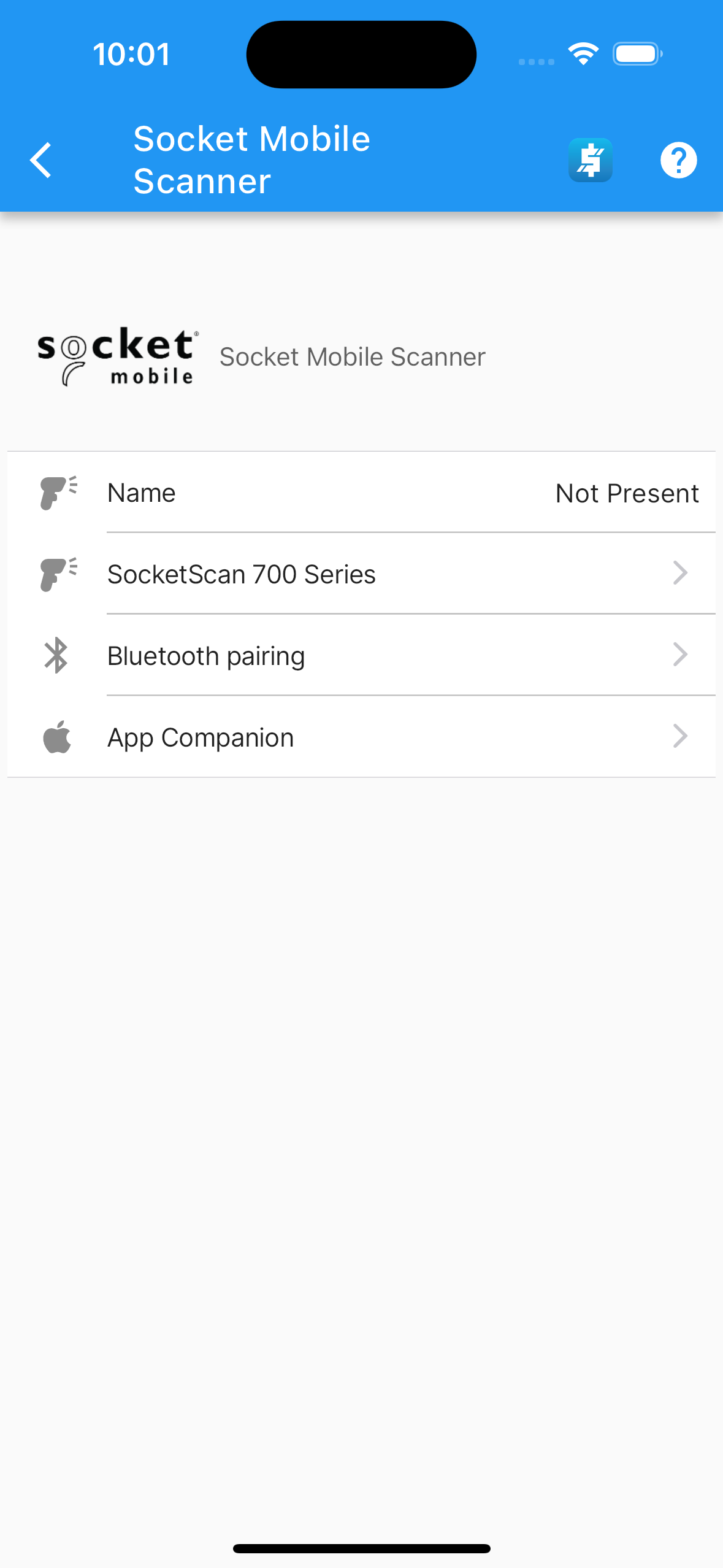
Socket Mobile Preferences
.
-
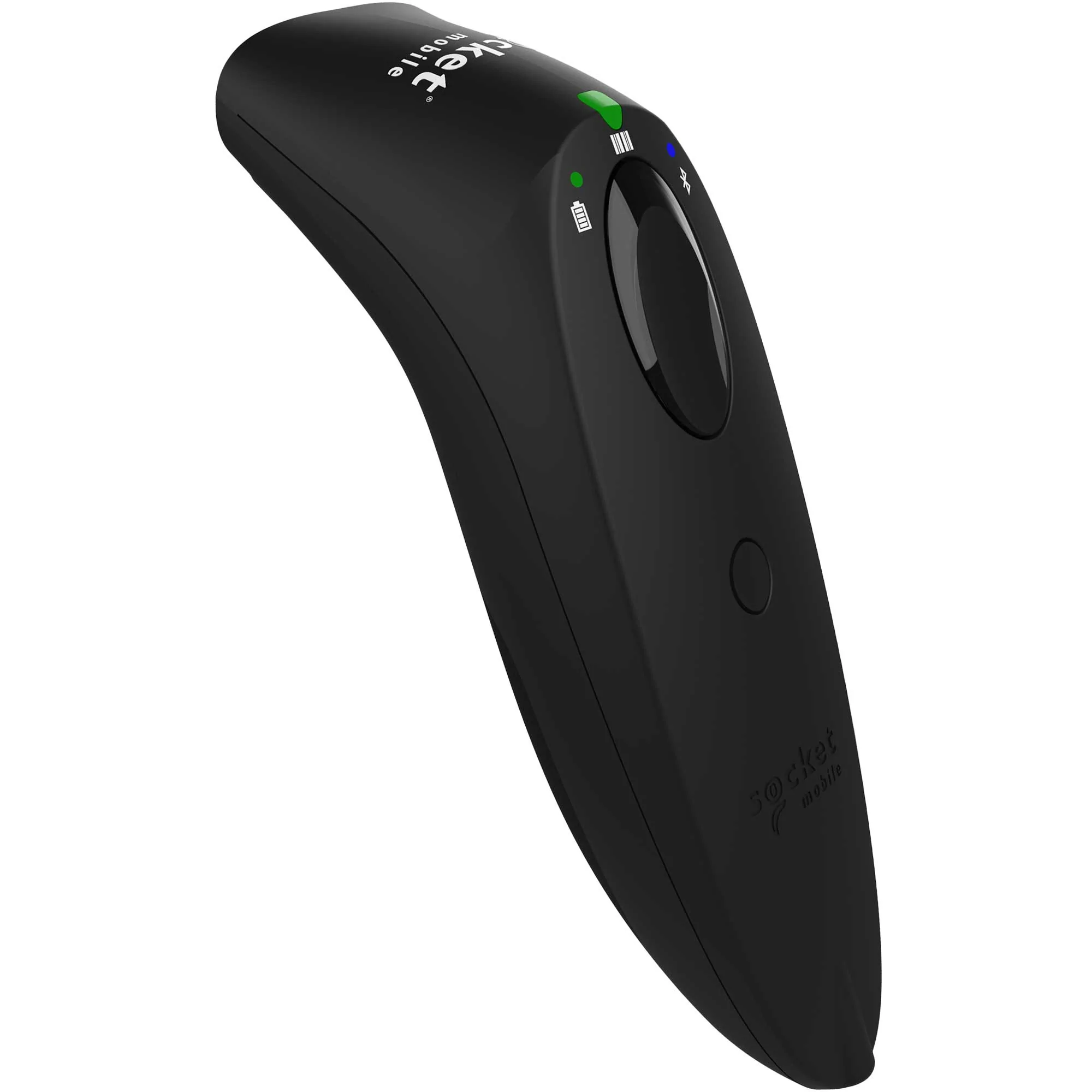
To use a Socket Mobile Bluetooth scanner SOCKETSCAN 700 SERIES see Socket Mobile.
If an item is scanned it will be automatically added to the transaction’s lines once the item’s SKU match.
To pair a Socket Mobile Bluetooth scanner with your iOS or Android device see Pair Socket Mobile.
Install the app companion App Companion.
SocketCam (Camera Barcode Scanning): Don’t have a hardware Bluetooth scanner? On mobile and tablet devices, you can toggle on Camera Barcode Scanner (SocketCam) under Barcode Scanner Preferences to turn your device’s built-in camera into a high-performance barcode reader.

Note
On mobile and tablet platforms, you can switch on Camera Barcode Scanner (SocketCam) to scan barcodes directly using the device camera. If you use a physical SocketScan S700 scanner over Bluetooth, you can keep the camera scanner disabled.