Customers
.
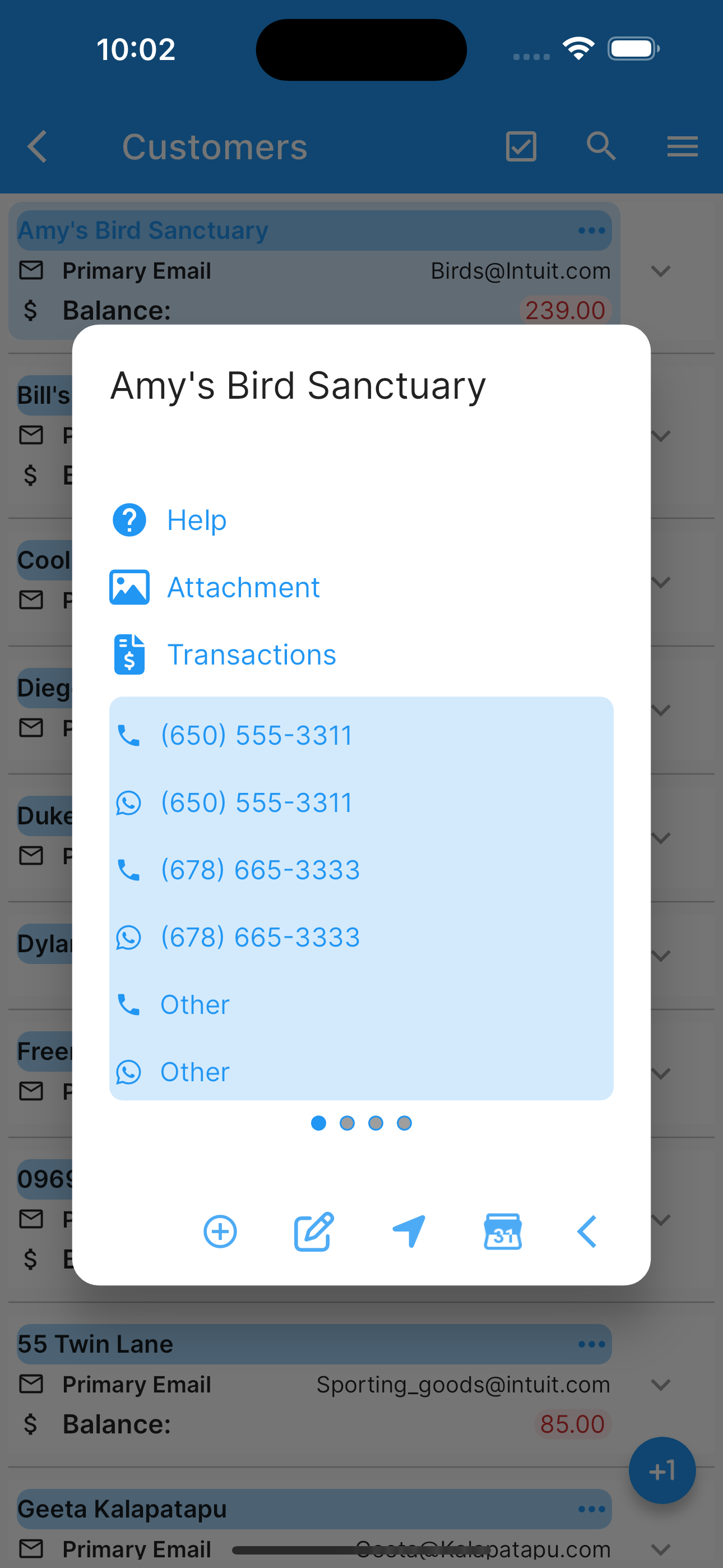
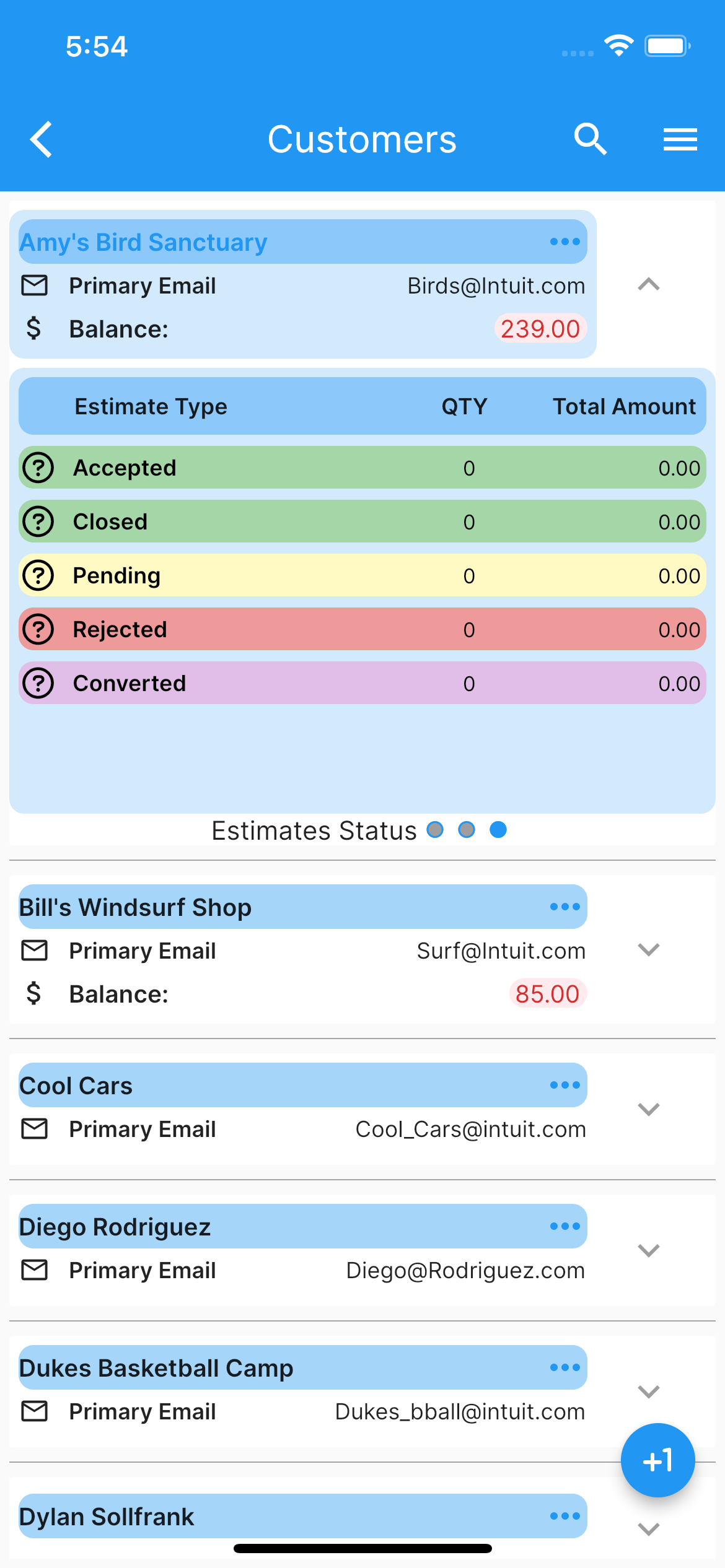
Under customers list, one can see all the customers and menu choices (top right corner), select (by double tapping) or expand one to see more information. Once a customer is selected you can:
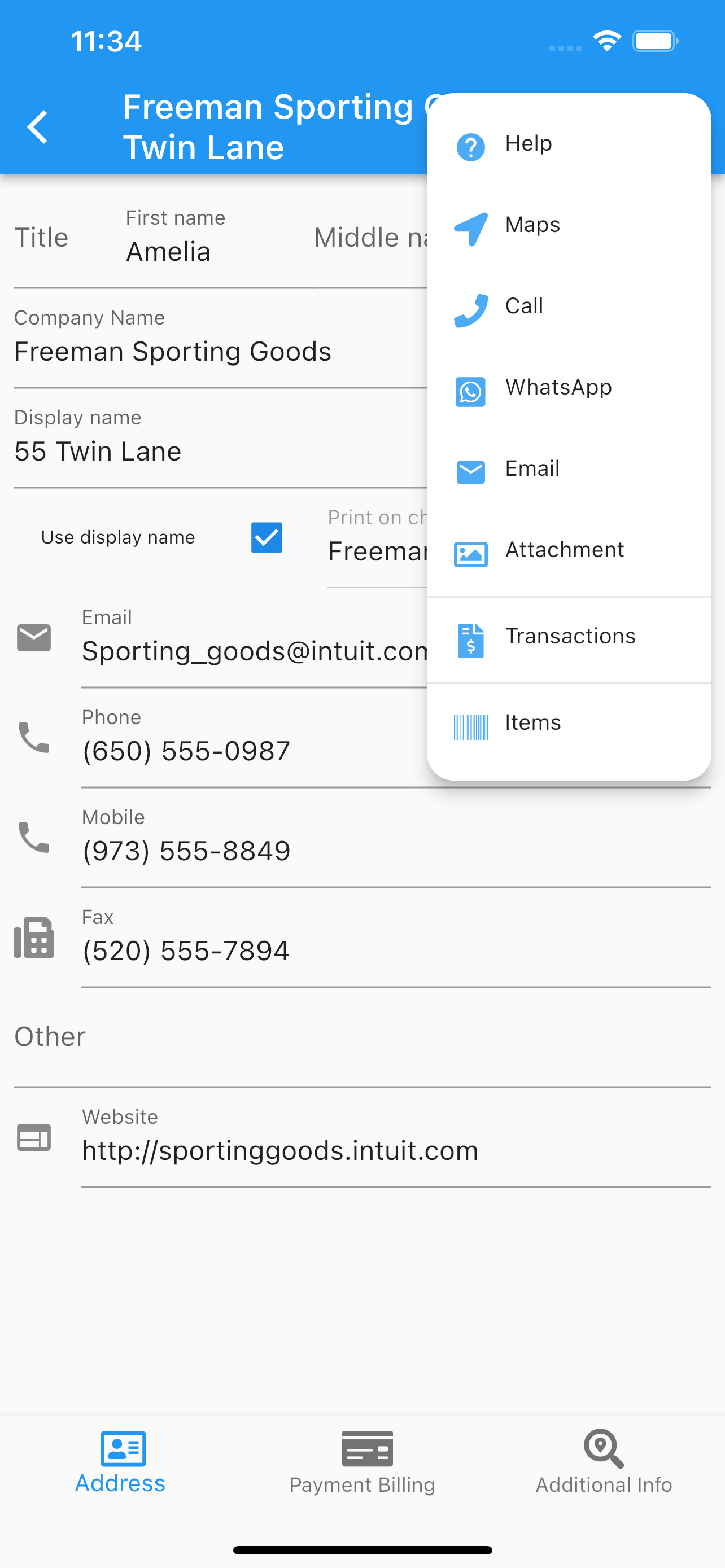
Edit.
Call.
Use whatsapp to call or text.
Email.
Create a Calendar Event.
See location.
Add/Delete/Share customer’s images.
Add an invoice.
Add an estimate.
Add a credit memo.
Add a sales receipt.
See customer’s transactions.
Set configuration for the Customer’s page.
Reload images from the cloud.
Enable/Disable customers notifications.
Filter by customer type.
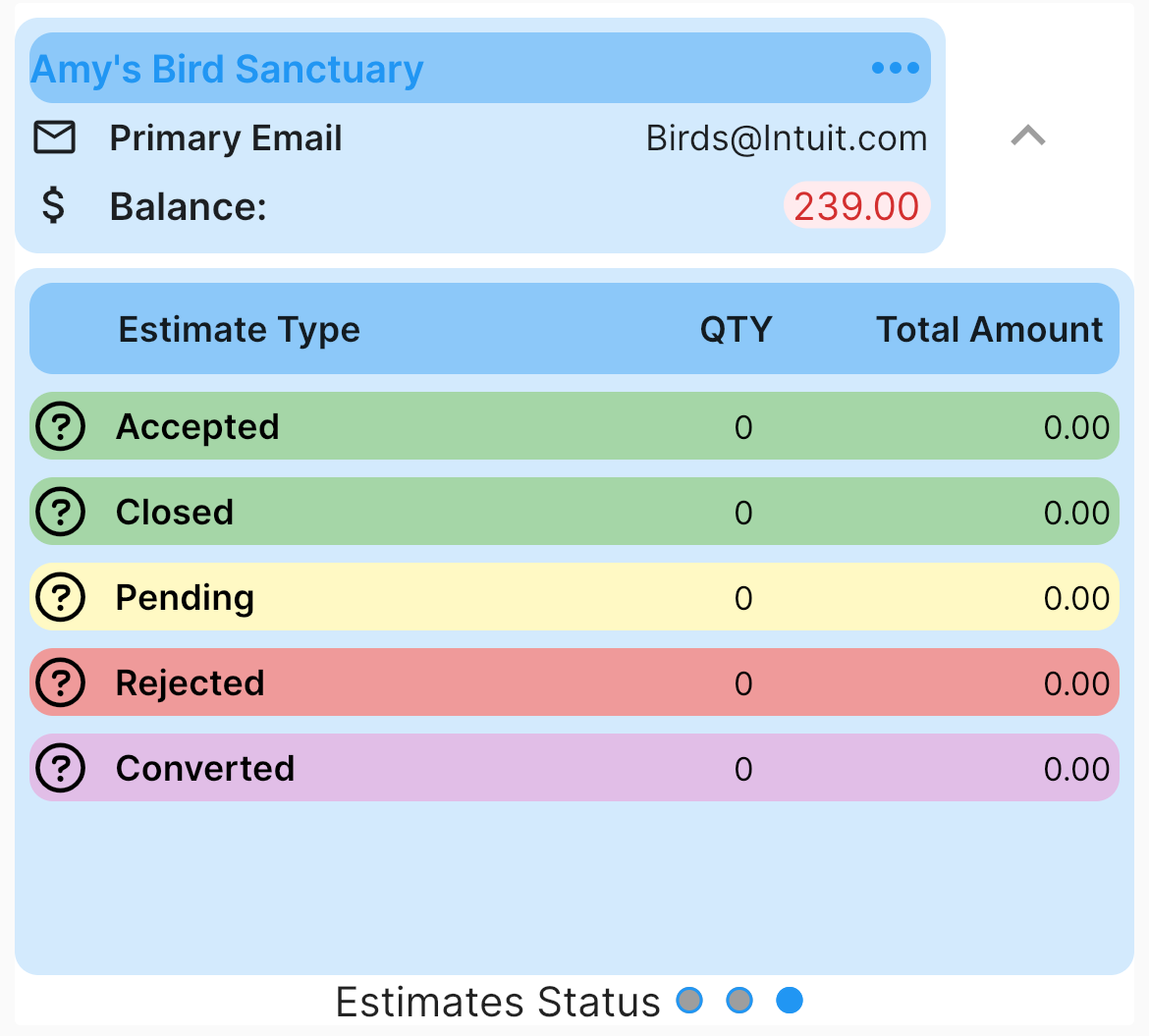
Each customer has estimates’s status tab.
The search icon at the top, will filter the list by the search filter criteria applied to customer’s name.
Any data changed or created, the app will ask, while exiting the page for:
Back, to add more changes.
Cancel, to discard changes.
Ok, to save it.
Once the data is saved, the changes will propagate to any mobile user of the app, seamlessly.
More screenshots.
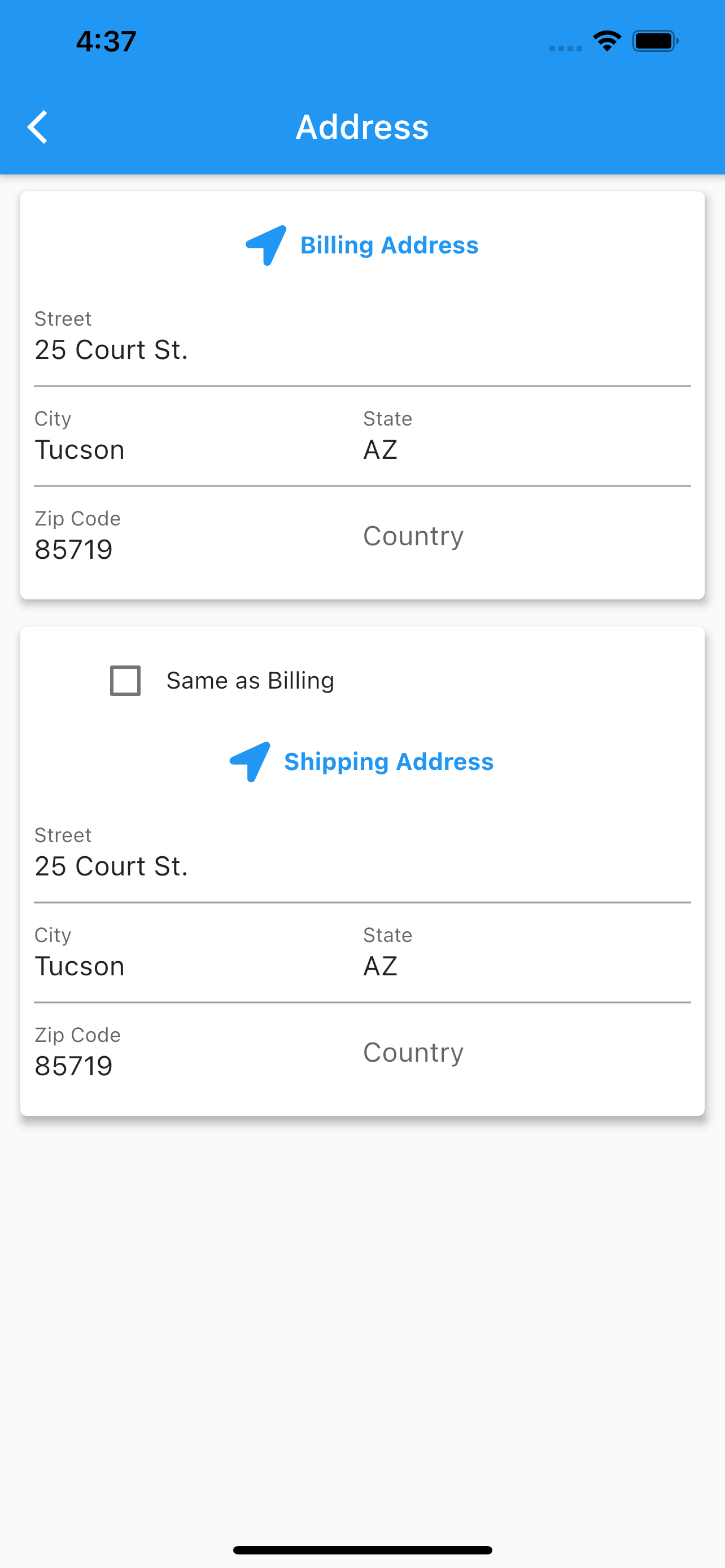
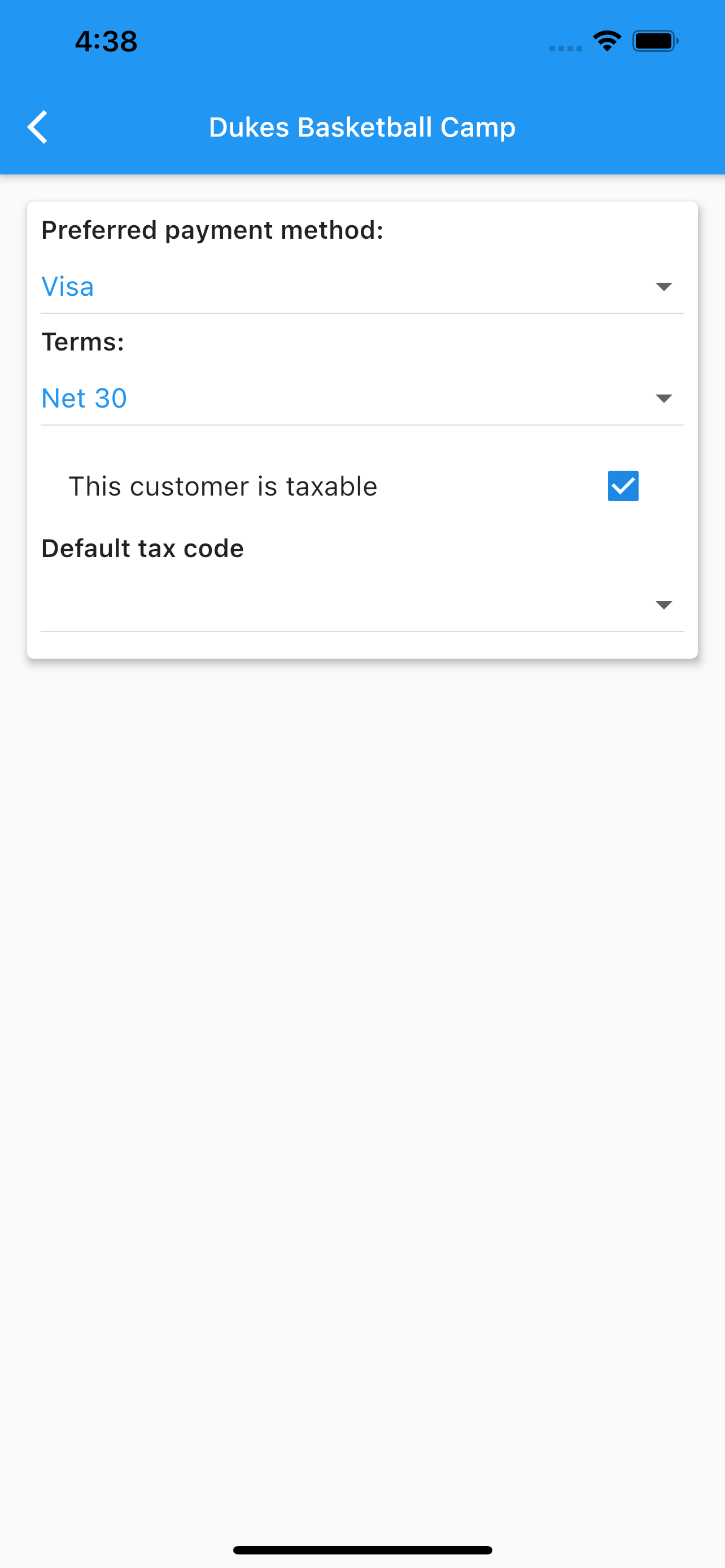
Selected Edit Customer Edit Customer Address Edit Customer Terms Customers List