Vendors
.
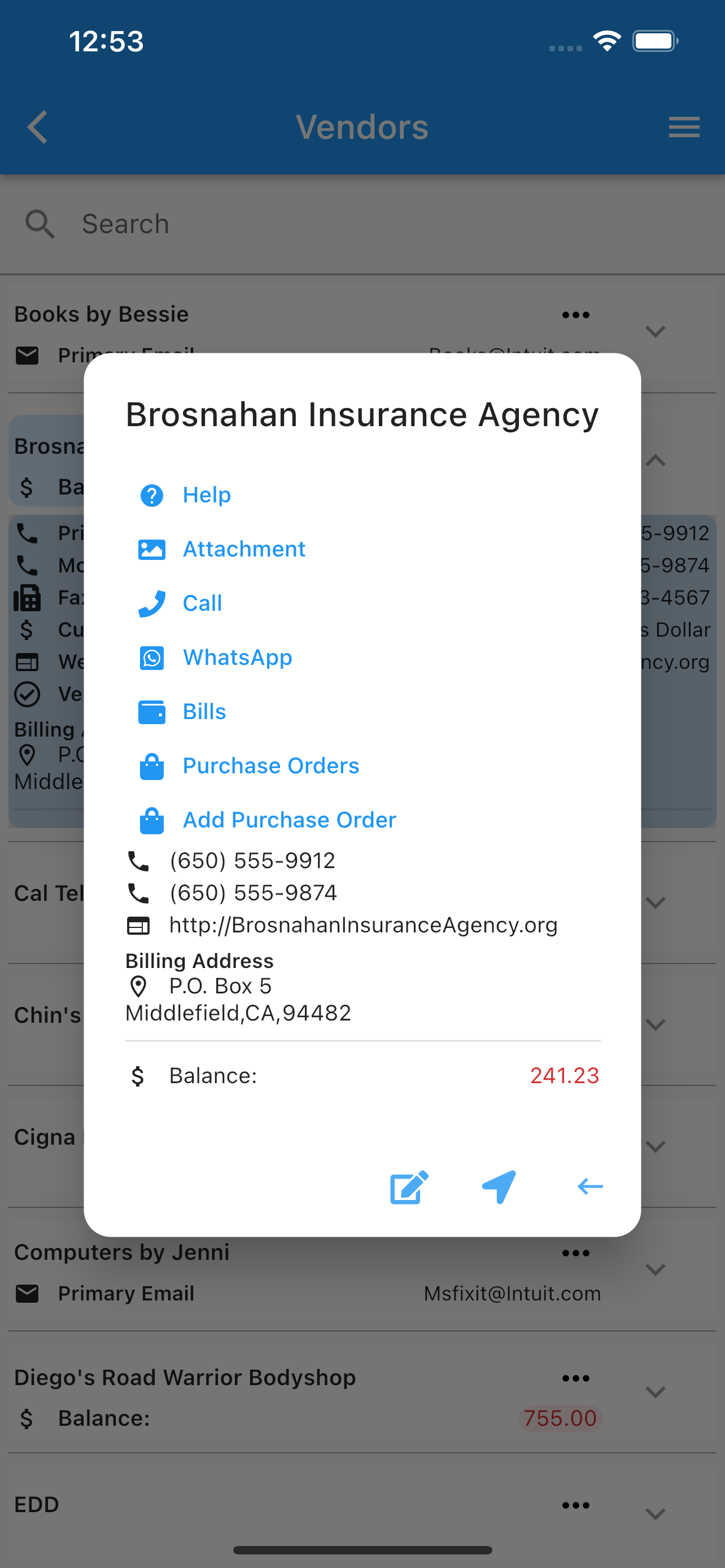
Under vendors list, one can see all the vendors, select (by double tapping) or expand one to see more information. Once a vendor is selected you can:
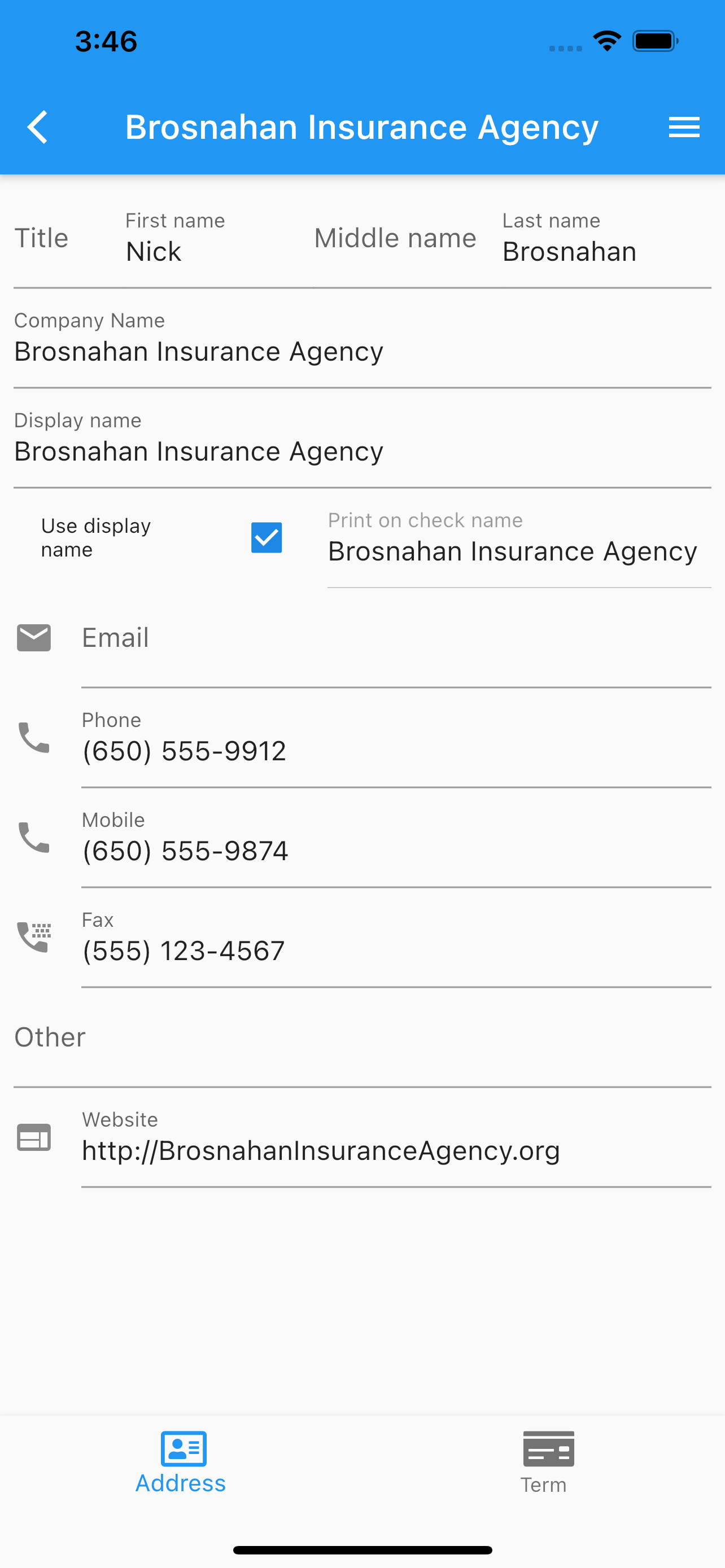
Edit.
Print Form 1099-NEC.
Call.
Use whatsapp.
Email.
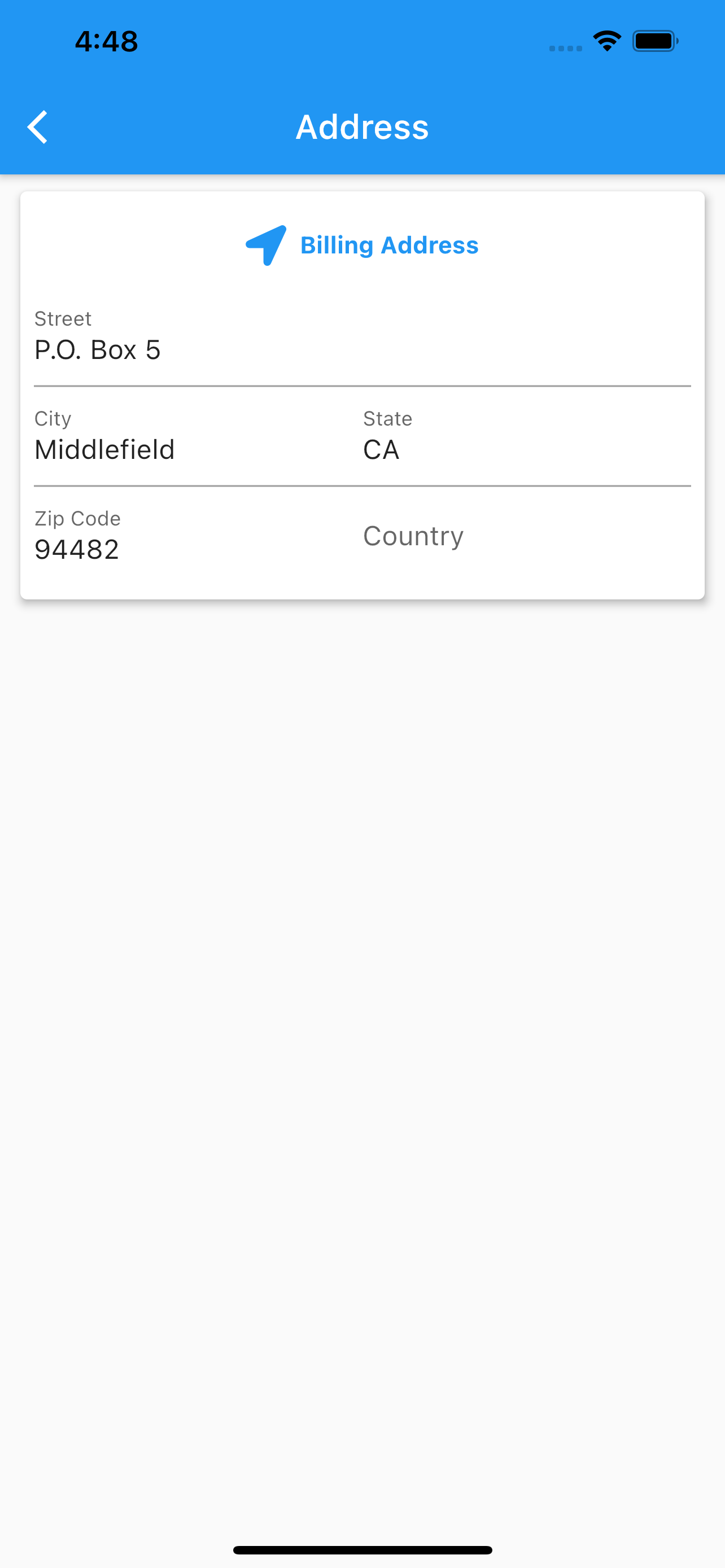
See location.
Add/Delete/Share vendor’s images.
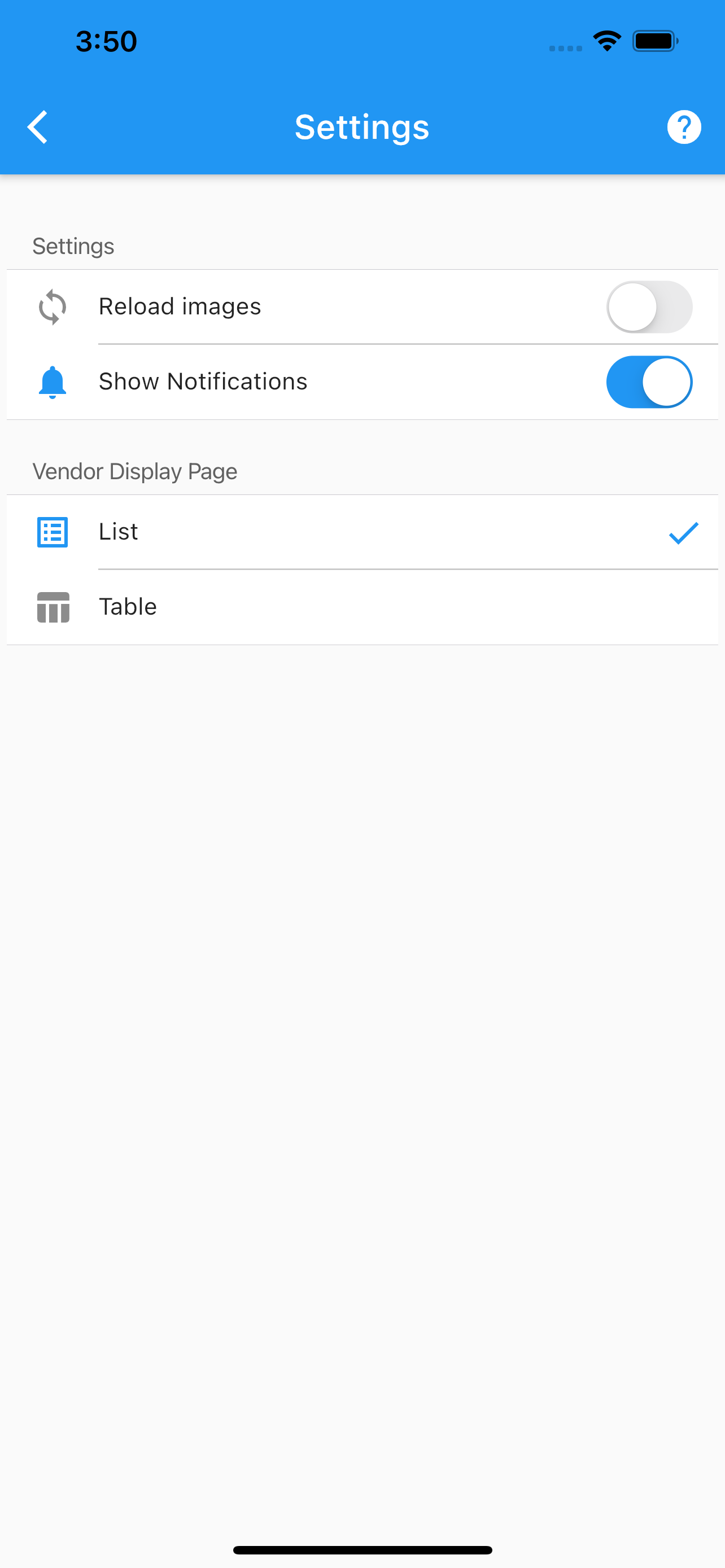
Set configuration for the vendor’s page.
Reload images from the cloud.
Enable/Disable vendors notifications.
The search icon at the top, will filter the list by the search filter criteria applied to vendor’s name.
Form 1099-NEC Generation & Printing.
SierraBooks includes on-device calculation and generation of official IRS Form 1099-NEC (Nonemployee Compensation) for independent contractors and vendors:
Tax Identification Security: Supports both Employer Identification Numbers (EIN) and Social Security Numbers (SSN) with automatic formatting and secure masking on display (e.g.,
***-**-6789).Automated IRS Compliance: Computes total compensation for any selected tax year, automatically excluding payment card / credit card transactions per IRC §6050W and evaluating the $600 reporting threshold.
High-Fidelity PDF Output: Compiles official, vector-accurate IRS Form 1099-NEC copies (Copy B for Recipient and Copy C for Payer) directly on the device.
Universal Direct Printing: Wirelessly print generated 1099-NEC forms via AirPrint, Android Print, or export PDF files directly to share or archive.
Pages.
Any data changed or created, the app will ask, while exiting the page for:
Back, to add more changes.
Cancel, to discard changes.
Ok, to save it.
Once the data is saved, the changes will propagate to any mobile user of the app, seamlessly.
More screenshots.
Selected Settings Vendor Edit Vendor Address