Calendly Scheduling Integration
Welcome to SierraBooks! We understand that client billing is only one part of your business operations. To help you connect with your clients and streamline appointment setting, SierraBooks features a full, built-in Calendly Scheduling Integration.
By bringing your scheduling directly into your invoicing engine, you can automate administrative overhead, secure consultations faster, and provide a premium, modern experience for your customers.
Overview of Features
The Calendly Integration is built on two functional pillars to match your business size and requirements:
Individual Calendly Booking Link (QR Code Invoicing) Add your individual scheduling URL to your user preferences. SierraBooks will dynamically generate and print a secure Scheduling QR Code directly into the footer of all client-facing PDF Estimates and Invoices.
Company-Wide Calendly Sync (OAuth2 Authentication) For team-based businesses, administrators can link the entire company or organization’s Calendly account. Tap a button to securely authorize SierraBooks via Calendly’s official OAuth2 portal to manage, track, and synchronize group availability and team bookings.
—
Individual Booking Link Setup
Accessing and setting up your personal booking link takes only seconds:
Individual Booking Route
.
Individual Configuration Steps
Under App Preferences, locate and tap Calendly Booking Link.
An Edit Calendly Link dialog box will appear.
-
Paste or type your direct Calendly link. The link should be formatted like:
https://calendly.com/your-username
Tap Save to apply the configuration.
The Dynamic QR Code Workflow
Once your personal link is saved:
Automatic PDF Generation: Whenever you generate a PDF copy of an Estimate or Invoice, the SierraBooks layout engine checks if your account has a Calendly link saved.
Smart QR Code Embed: A high-resolution scheduling QR code is dynamically rendered alongside a call-to-action button in the document footer.
Frictionless Booking: When your client receives their printed or digital invoice, they can scan the QR code with their mobile device camera. They are instantly redirected to your scheduling page to book their follow-up checkup, maintenance visit, or consultation call.
+---------------------------------------------+
|                SIERRA BOOKS                 |
|                                             |
|   Invoice ID: #INV-00456                    |
|   Amount Due: $250.00                       |
|                                             |
|         Need to book a follow-up?           |
|      [ QR CODE ] <--- Scan to Schedule      |
|                                             |
+---------------------------------------------+
—
Company-Wide Sync Setup (OAuth2)
For businesses managing multi-user teams, group scheduling, or round-robin client bookings, our company-wide Calendly OAuth integration provides absolute synchronization.
Company Sync Route
.
Company Configuration Steps
Under App Preferences, locate and tap Calendly Company Sync.
-
A confirmation modal will appear, asking if you wish to proceed with company integration:
Administrator Authorization Note
Tapping Yes, Integrate will safely redirect your active browser session to the official secure Calendly Authorization Portal to complete OAuth2 validation.
On the Calendly portal, log in with your primary company administrator credentials.
-
Review the requested permissions:
users:read: Allows SierraBooks to identify team members and match booking links.
webhooks:write: Establishes secure webhooks so SierraBooks receives real-time notifications when events are booked or modified.
Calendly Oauth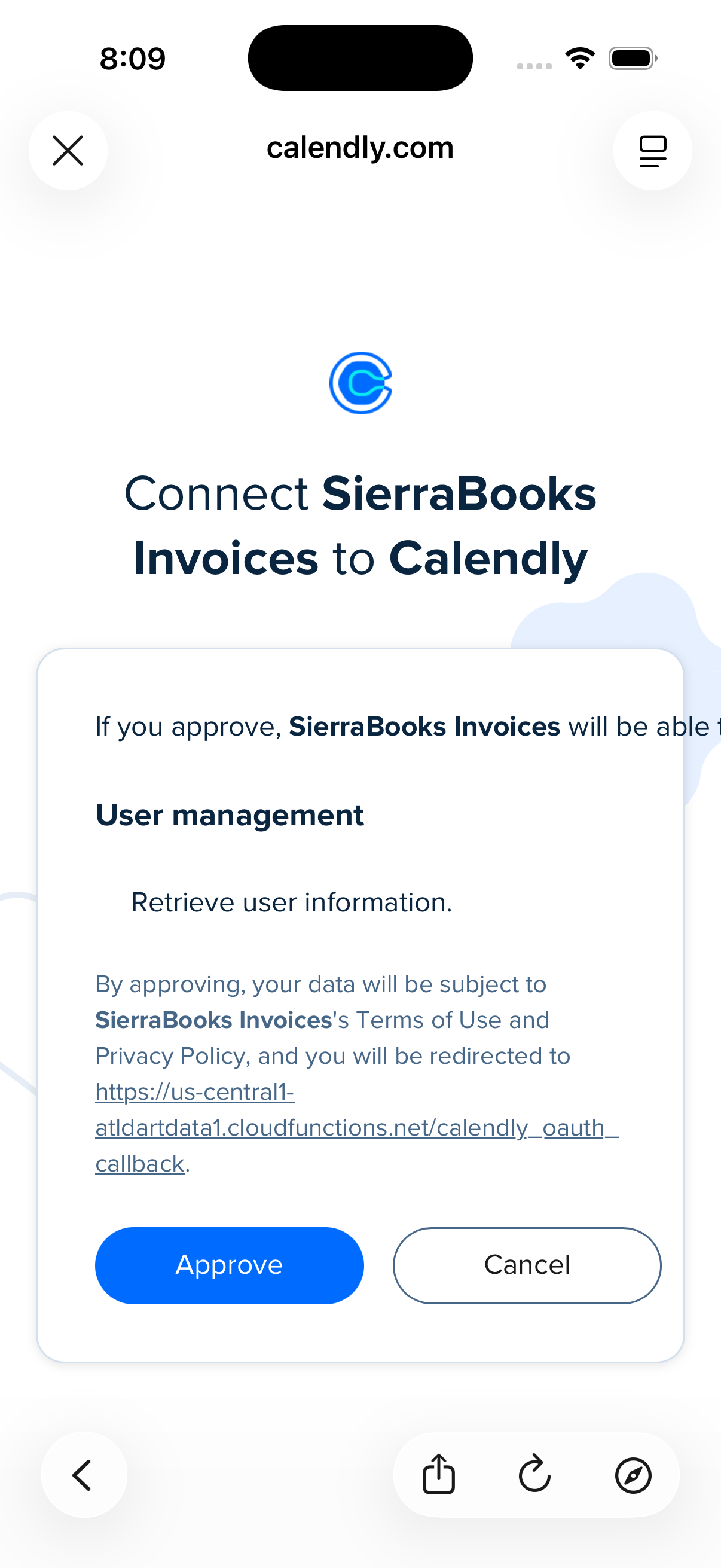
Click Authorize to connect your account.
-
Once authorized, you will be automatically returned to the SierraBooks application, and your company sync status will be updated to Connected.
Calendly Oauth Sucess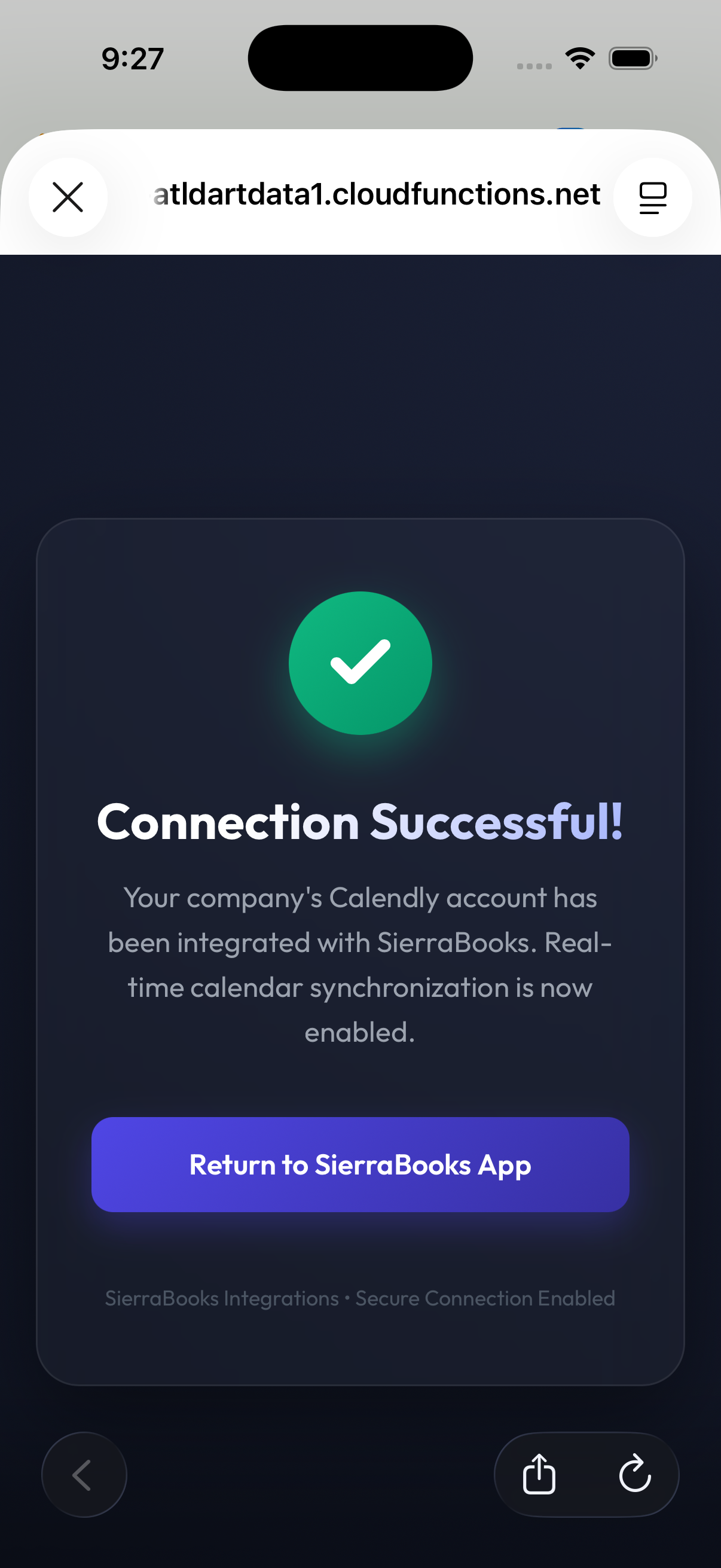
—
Frequently Asked Questions
Can each team member have their own booking link? Yes. SierraBooks supports individual operator configurations. When different employees log in and generate invoices, the PDF engine dynamically swaps the footer QR code to point to the booking link of the specific operator managing that transaction.
Is Calendly OAuth authentication secure? Absolutely. SierraBooks never stores, sees, or intercepts your Calendly password. All authentication is managed entirely by Calendly through the industry-standard OAuth2 protocol. SierraBooks only stores an encrypted access token to manage real-time team booking synchronization.
What happens if I leave the Calendly Booking Link blank? If no booking link is entered, the app simply skips generating the scheduling footer. Your estimates and invoices will display standard billing footnotes with zero empty placeholders or blank QR code regions.
Do clients need a Calendly account to book appointments? No. When your client scans the QR code, they can select a convenient slot and complete their booking using just their name and email address. No sign-ups or accounts are required of your customers.